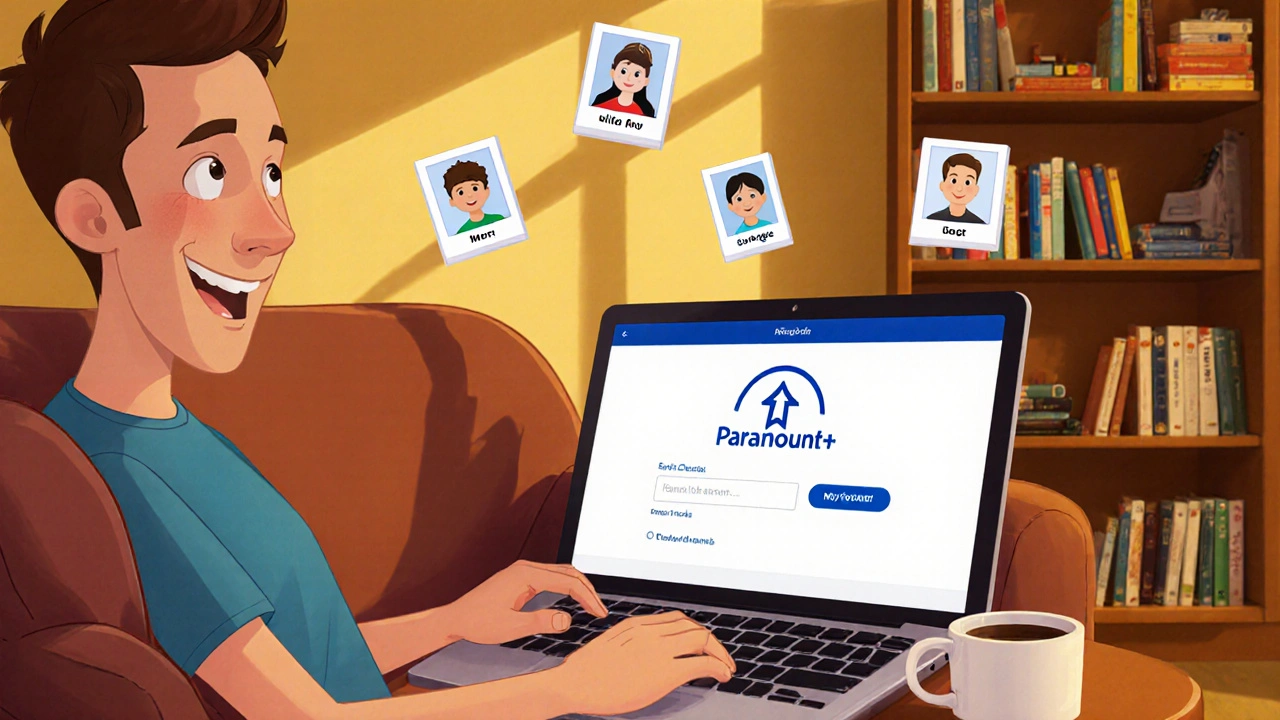
Paramount+ profiles: What you need to know about streaming content and user accounts
When you sign up for Paramount+, a streaming service offering movies, TV shows, and live sports from CBS, Nickelodeon, MTV, and more. Also known as Paramount Plus, it lets you create individual profiles, personalized watch spaces that remember your viewing history, recommendations, and watchlists. Each profile acts like your own mini-streaming account inside the bigger service—no more fighting over what to watch or accidentally ruining a surprise ending.
Profiles on Paramount+ aren’t just for separating your binge-watching from your kid’s cartoons. They help the algorithm learn what you like. If you watch Star Trek and Yellowstone, your profile will suggest more of that. Your partner’s profile, filled with Nickelodeon shows and reality TV, won’t get cluttered with your documentaries. It’s not magic—it’s data, and it works. You can set up to six profiles per account, and each one supports parental controls, so you can lock down content for younger viewers without affecting anyone else. Some users even create separate profiles for guests or family members who visit often, keeping their own watchlists clean and private.
What makes Paramount+ profiles different from other services? It’s the integration. Unlike some platforms where profiles feel like afterthoughts, Paramount+ ties them directly to your viewing habits across devices. Start watching 1883 on your phone during your commute, finish it on the TV at home—your profile picks up right where you left off. It’s not just about who’s watching. It’s about how you watch. And if you’re using Paramount+ as part of a bundle—like with Showtime or through a cable provider—your profiles still stay separate and synced.
But here’s the thing: profiles only matter if you use them. Most people don’t bother setting them up, then wonder why their homepage is a mess. Taking five minutes to create a profile for each household member can turn a confusing streaming experience into something smooth and personal. You’ll stop seeing ads for shows you already finished. You’ll find new favorites faster. And you’ll never accidentally start a kids’ movie during your late-night thriller session again.
Below, you’ll find a collection of posts that dig into streaming services, how they organize content, and what makes one platform feel different from another. Whether it’s how Hulu tailors recommendations, why Tubi works without a subscription, or how mood-based browsing changes what you watch, these articles connect back to the same idea: your viewing experience isn’t just about what’s available. It’s about how it’s delivered to you. And profiles? They’re the first step in making sure it’s delivered right.
Learn how to cancel Paramount+ without losing your watch history or profiles. Keep your saved shows and preferences even after unsubscribing - and easily return later with everything intact.
View More