Save Money on Streaming: Free Options, Discounts, and Smart Hacks
When you save money on streaming, you’re not just cutting costs—you’re getting smarter about how you watch. It’s not about giving up your favorite shows. It’s about knowing where to find them without paying for five different services you barely use. Many people don’t realize that free, high-quality content is already available through tools like Hoopla, a library-based streaming service that lets you borrow movies and TV shows with no ads or fees, or Tubi, a legal, ad-supported platform with over 60,000 titles. These aren’t hidden corners of the internet. They’re mainstream options backed by libraries, public institutions, and major media companies.
And if you’re a student, you’re sitting on a hidden discount. The Disney Bundle, which includes Disney+, Hulu, and ESPN+, offers a verified student rate of just $10.99 a month. That’s less than a coffee a day. Even if you’re not a student, services like Paramount+, offer live news and top shows at a lower price than most cable alternatives. You don’t need to switch everything overnight. Start by canceling one service you rarely watch—maybe that premium horror channel you signed up for during a sale last Halloween. Then replace it with something free. You’ll be surprised how much you still have access to.
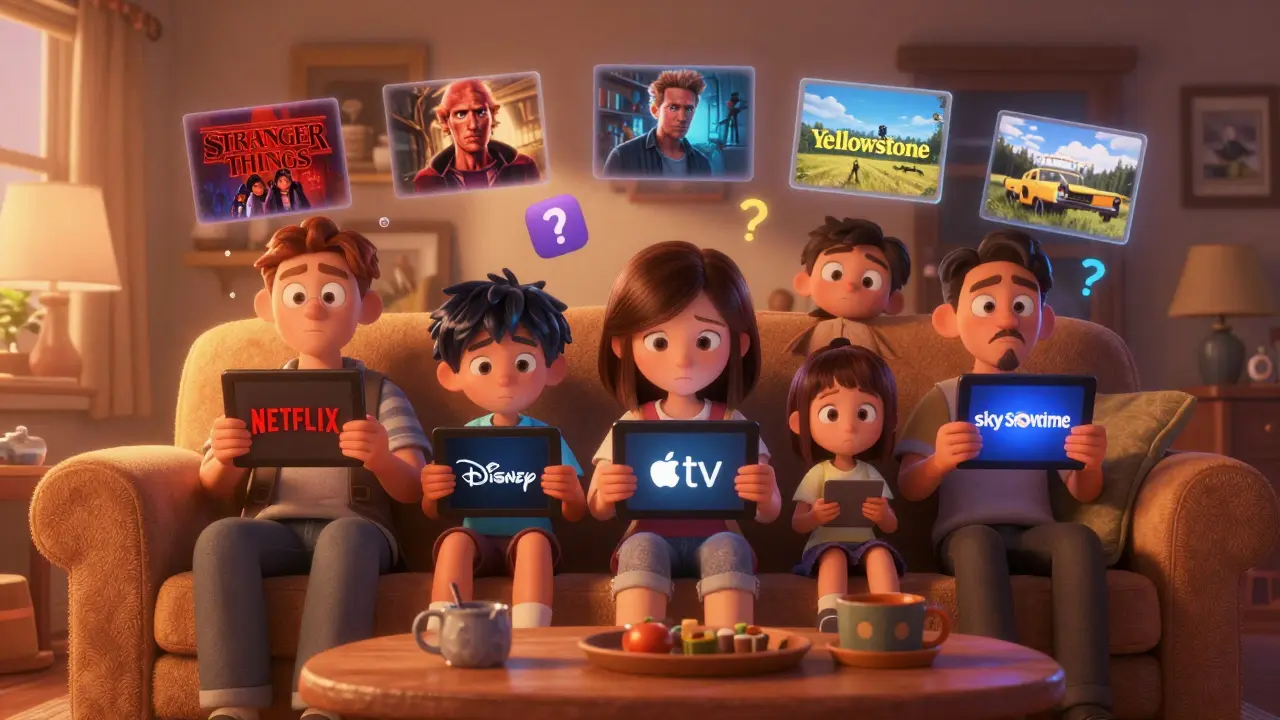
There’s also a big difference between paying for content and paying for convenience. Most people think they need Netflix, Hulu, and Max because those are the names everyone talks about. But what if you could get the same quality—maybe even better—without the monthly bill? That’s where ad-supported streaming, like Pluto TV and Freevee, step in. These services don’t hide their ads. They’re upfront: watch a 90-second commercial, then get a movie that costs studios millions to make. And they’re not just old reruns. They’ve got original series, cult classics, and even new releases you won’t find anywhere else. The trade-off isn’t bad. You get more control over what you watch, and you’re not locked into a contract.
It’s not just about the platforms. It’s about how you use them. Your library card, a tool most people forget they have, can unlock thousands of movies and shows through Hoopla and Kanopy. No credit card. No trial. Just walk into your local library, sign up, and start streaming. It’s legal, it’s free, and it’s available in most cities. You don’t need to be a tech expert. You don’t need to juggle passwords. You just need to know it exists.
And if you’re still paying for a streaming device you don’t fully use? That’s another place to cut. A Roku Ultra and an Apple TV 4K both do the same job—delivering video to your screen. But one costs $100. The other costs $15. You don’t need the fancy one unless you’re deep into Apple’s ecosystem. Most people just need something that works. The same goes for your internet. You don’t need 1 Gbps to stream 4K. You need a stable connection and a router that isn’t ten years old. Simple fixes—like rebooting your router or closing background apps—can stop lag without spending a dime.
Below, you’ll find real, tested ways to stretch your streaming budget. From locking down kids’ apps so you don’t get hit with accidental purchases, to using your student ID for major savings, to finding hidden gems on free platforms—you won’t find fluff here. Just what works. No hype. No upsells. Just how to watch more, pay less, and still love what you’re watching.
Stop paying for duplicate streaming services. Learn how to spot overlapping content, use free tools to compare subscriptions, and cancel what you don’t need - saving €100+ a year in Ireland.
View More
Learn how to downgrade your streaming plan to save money without losing downloads, profiles, or watch history. Save up to $72 a year while keeping everything you actually use.
View More