
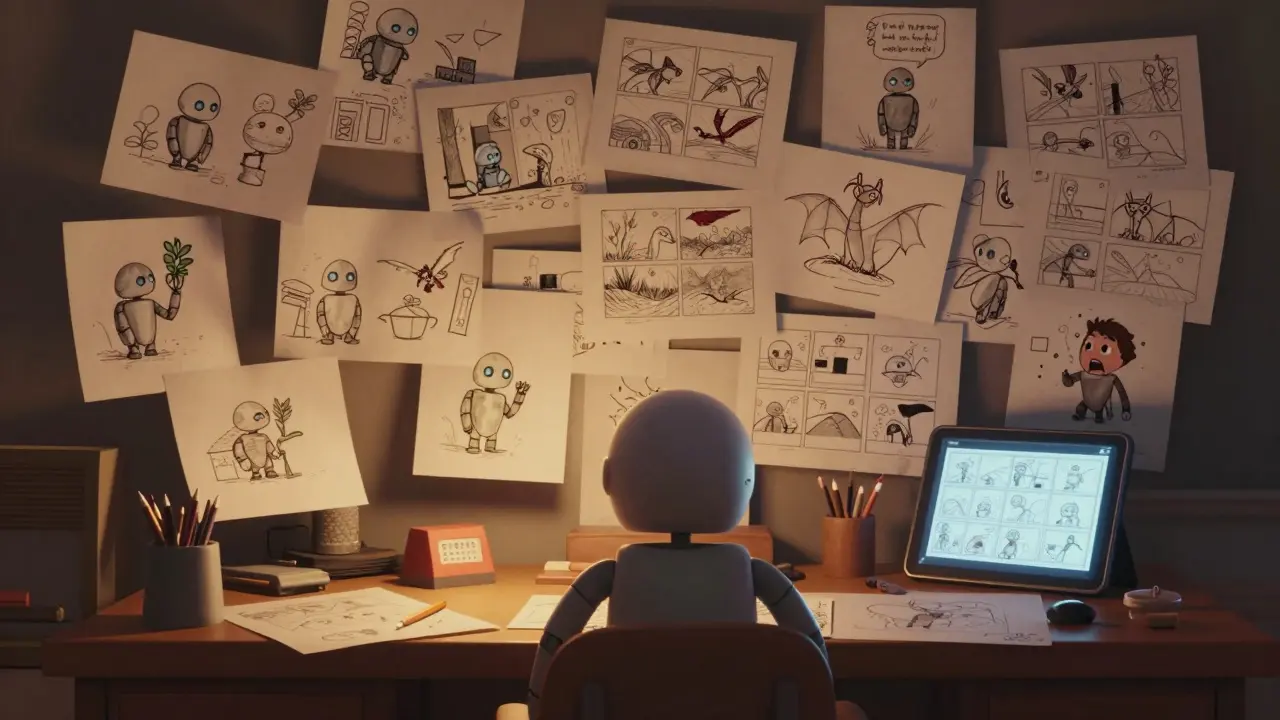
Ever wonder how a wild idea like a talking raccoon riding a rocket turns into a full animated movie? It doesn’t happen by magic. It starts with a storyboard-a visual script that maps out every shot, every movement, every emotion before a single frame is drawn. Storyboarding isn’t just sketching scenes. It’s the backbone of animation, the blueprint that turns chaos into clarity.
What Is a Storyboard, Really?
A storyboard is a sequence of drawings, like a comic strip, that shows how a scene unfolds. Each panel represents a camera shot. It includes details like character poses, camera angles, movement paths, and even timing notes. Think of it as a visual script. Where a written script says, "The dragon roars and swoops down," the storyboard shows exactly how that looks: the dragon’s wings at 45 degrees, its mouth open wide, the shadows stretching across the valley below.
Unlike live-action films that can reshoot scenes, animation is expensive. Every frame is hand-drawn or digitally rendered. One mistake can cost thousands. That’s why storyboards are non-negotiable. Studios like Pixar, Studio Ghibli, and DreamWorks spend weeks-sometimes months-on storyboards before animation even begins. They don’t just plan shots; they test jokes, refine pacing, and fix emotional beats.
The Difference Between Visual Scripts and Beat Boards
Not all storyboards are the same. There are two key types: visual scripts and beat boards. They serve different stages of production.
A visual script is detailed. It’s what you see in Pixar’s internal archives. Each panel includes:
- Camera movement (pan left, zoom in, crane up)
- Character action (how they walk, gesture, react)
- Dialogue or sound cues
- Timing (in seconds per panel)
- Background elements (buildings, weather, lighting)
It’s so precise that animators can start working from it without needing further direction. This is used in high-budget films where every second counts.
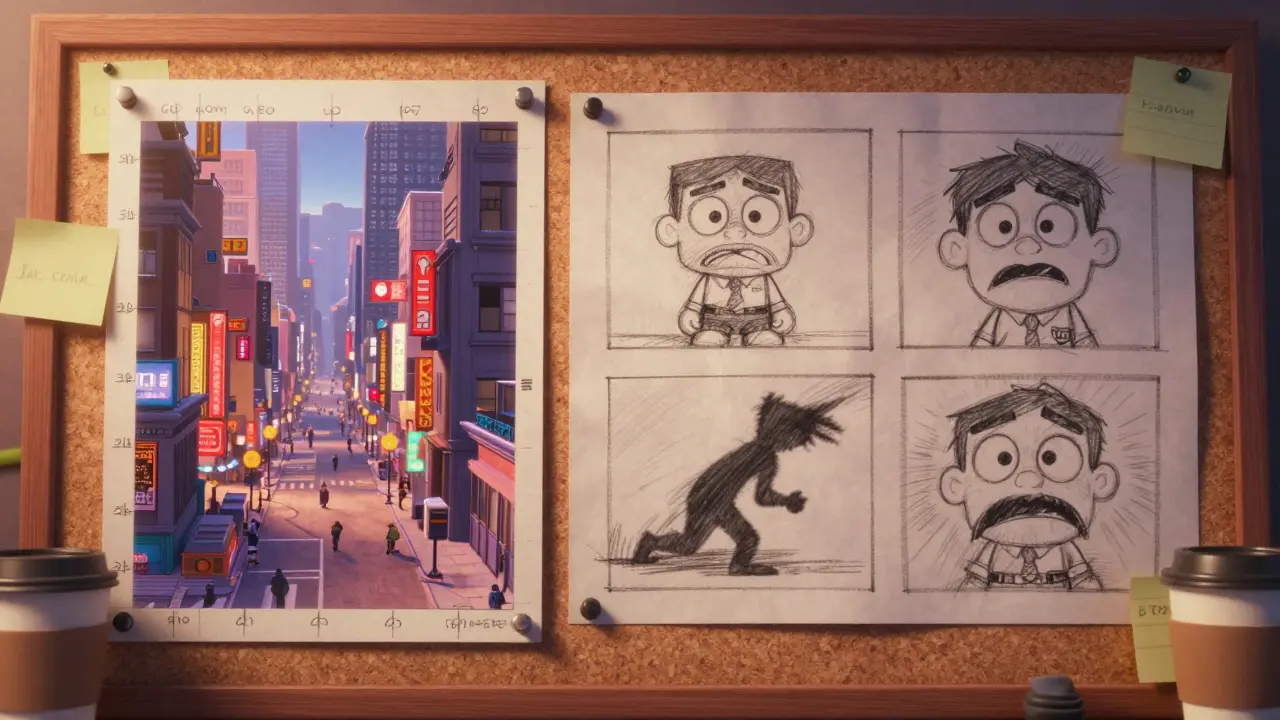
A beat board, on the other hand, is looser. It’s used early on-often in development-to map out emotional turning points. Think of it as the story’s heartbeat. Instead of full panels, you might have three rough sketches:
- Panel 1: Hero looks scared, alone in the forest
- Panel 2: A shadow moves behind them
- Panel 3: Hero turns, eyes wide-something’s coming
Beat boards answer one question: "Does this moment work?" They’re about rhythm, tension, and emotion-not detail. Directors use them to pitch ideas to producers or test audience reactions before committing to full animation.
Why Storyboards Save Time and Money
Animation studios don’t just use storyboards for creativity-they use them to cut costs. A single minute of 2D animation can cost $10,000 to $50,000 depending on complexity. If you don’t plan the shots, you risk redoing entire sequences.
Take Spider-Man: Into the Spider-Verse. The team spent over 18 months on storyboards. They didn’t just draw scenes-they tested camera angles that mimicked comic book panels, experimented with motion blur to simulate ink smears, and adjusted timing so the rhythm matched hip-hop beats. Without storyboards, that innovation wouldn’t have been possible. With them, they saved an estimated $2 million in rework.
Even small studios rely on this. A 5-minute indie short in Ireland, The Last Lighthouse, used storyboards to reduce its animation time by 40%. The director, a solo artist, drew every panel on paper before digitizing. "I knew exactly what I needed to animate," she said. "No guesswork. No wasted frames.""
How Storyboards Are Made: A Step-by-Step Process
Here’s how real studios build storyboards-from idea to approved shot list:
- Break down the script-Divide each scene into key moments. What happens? Who moves? What changes emotionally?
- Sketch rough thumbnails-Use sticky notes or small paper squares. Don’t worry about art. Focus on composition and flow.
- Arrange in sequence-Lay out panels like a comic. Walk through it like a movie. Does the pacing feel right? Is there a lull? Too fast?
- Add notes-Write camera moves, sound effects, dialogue, and timing. Use arrows for motion.
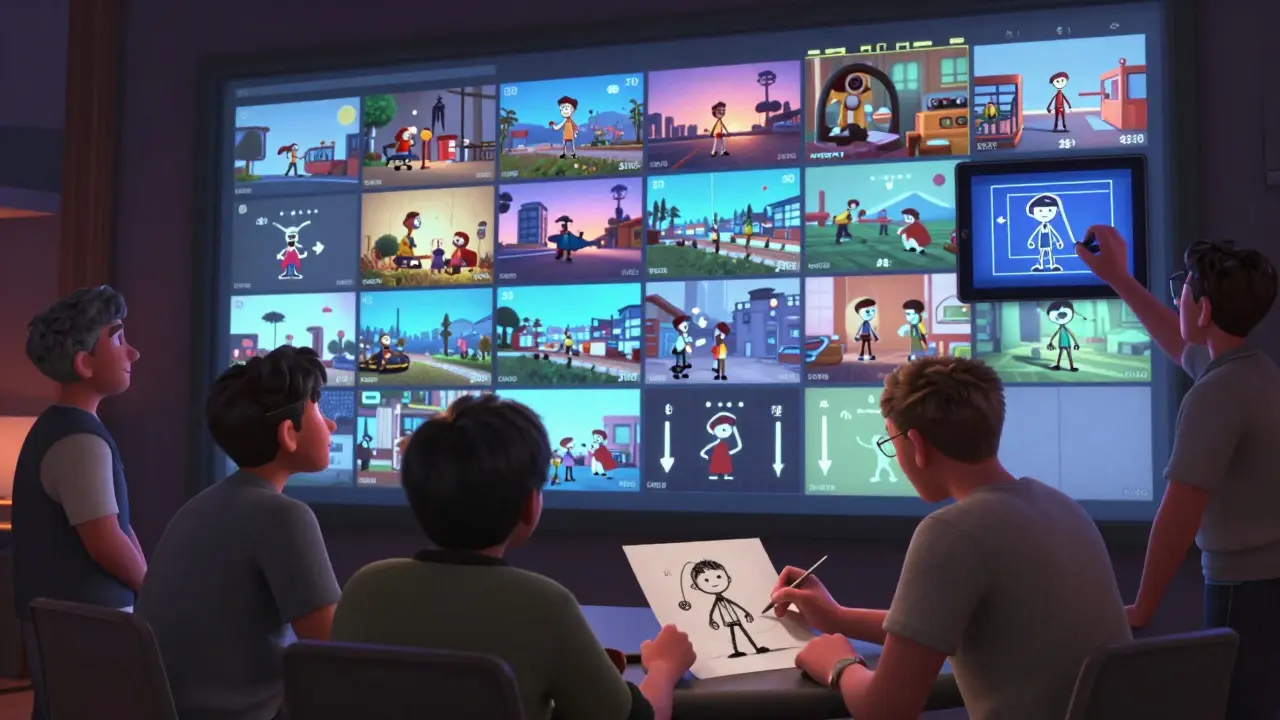
- Review with the team-Animators, directors, and editors give feedback. Often, panels get rearranged, cut, or redrawn entirely.
- Finalize and digitize-Clean panels are scanned or drawn digitally. They become the animators’ bible.
Some studios use digital tools like Storyboard Pro or even iPad apps with pressure-sensitive styluses. Others still use paper and pencils. The method doesn’t matter. What matters is that every shot is planned.
Common Mistakes in Storyboarding (And How to Avoid Them)
Even pros mess up. Here are the top three errors-and how to fix them:
- Mistake 1: Too many panels-Trying to show every tiny movement. Result: Overcrowded, confusing, and hard to animate. Fix: One key action per panel. If a character walks five steps, show step one and step five. Let animators fill the middle.
- Mistake 2: Ignoring timing-Assuming "it’ll feel right." Timing is everything. A punchline that lands too late kills the joke. Fix: Time each panel. Use a stopwatch. If a 30-second scene has 12 panels, each one should last about 2.5 seconds. Adjust if it feels rushed or dragging.
- Mistake 3: No camera variety-All shots are medium close-ups. It’s boring. Fix: Use wide shots for setting, close-ups for emotion, Dutch angles for tension. Ask: "What’s the camera’s point of view?" Is it watching? Hunting? Laughing?
Real Examples: What Great Storyboards Look Like
Look at the storyboard for the opening of Wall-E. There’s no dialogue. Just 12 minutes of silent visuals: a lone robot, rusted trash towers, a single plant. The storyboard showed every movement-how Wall-E’s arm lifts, how he pauses before picking up the plant, how the camera tilts slowly to reveal the empty Earth. That sequence won an Annie Award for storyboarding.
Or consider Howl’s Moving Castle. Hayao Miyazaki’s team drew over 1,200 storyboard panels for the castle’s transformation. Each gear, each window, each puff of smoke was mapped. The animators didn’t just follow instructions-they understood the soul of the scene because the storyboard told the story so clearly.
What Happens After the Storyboard?
Once approved, the storyboard becomes the foundation for:
- Animatics-A rough animated version with temporary voiceover and sound. It’s like a movie trailer made from storyboard panels.
- Layout-Artists build 3D environments based on the storyboard’s perspective.
- Key animation-Animators draw the main poses from the storyboard.
- Final rendering-Color, lighting, effects are added.
Every step traces back to those first sketches. Change the storyboard, and you change the whole film.
Can You Do Storyboarding Without Being an Artist?
Yes. You don’t need to draw like Picasso. You need to think like a filmmaker.
Many storyboard artists start as writers or directors. They use simple stick figures, arrows, and boxes. The goal isn’t beauty-it’s clarity. A good storyboard tells the story so well that even someone who can’t draw can understand it.
Tools like Canva, Adobe Express, or even PowerPoint can help. Use shapes for characters, lines for motion, and text boxes for timing. The key is to communicate the action, not to create gallery art.
Try this: Take a scene from your favorite animated movie. Sketch it in five panels. No fancy lines. Just boxes and arrows. Now ask: Does it tell the story? If yes-you’ve just storyboarded.
Do animators always follow the storyboard exactly?
Not always. Storyboards are guides, not prison sentences. Animators often add subtle movements, expressions, or timing tweaks that improve the scene. But they don’t change the core action, composition, or emotion. If an animator wants to add something new, they must get approval from the director. The storyboard is the contract. Creativity happens within its lines.
How long does it take to create a full storyboard for a feature film?
For a 90-minute animated film, it typically takes 4 to 8 months. That’s 800 to 2,000 panels, depending on complexity. Studios like Studio Ghibli may take even longer-up to a year-because they prioritize hand-drawn detail. Smaller films, like indie shorts, might finish in 6 to 12 weeks.
Are storyboards used in 3D animation too?
Absolutely. Even in CGI-heavy films like The Incredibles or Encanto, storyboards come first. 3D animators need to know where the camera moves, how characters interact with environments, and where lighting changes. Storyboards are the blueprint for digital sets, lighting rigs, and camera paths. Without them, 3D scenes become messy and expensive to fix.
Can I learn storyboarding on my own?
Yes. Start by analyzing scenes from your favorite cartoons. Pause the video and sketch what you see. Then try to storyboard your own 30-second scene-like someone opening a door and seeing something shocking. Use free tools like Storyboard That or even pen and paper. There are dozens of YouTube tutorials from Pixar and Disney artists. The best way to learn is to draw, fail, and redraw.
What’s the difference between a storyboard and a shot list?
A shot list is a text-based checklist: "Shot 1: Wide angle of castle. Shot 2: Close-up of hero." A storyboard is visual. It shows what each shot looks like. A shot list tells you what to film. A storyboard tells you how to feel. Both are used together, but the storyboard is the soul of the film.
Final Thought: The Power of a Single Sketch
A storyboard isn’t just a tool. It’s a promise. It’s the moment when imagination becomes something real. One sketch can change a film’s tone. One panel can make a joke land-or fall flat. It’s not about drawing skill. It’s about seeing the story before anyone else does.
Every great animated film started with a pile of scribbles on paper. Not in a studio. Not with a team. Just one person, thinking: "What if?"