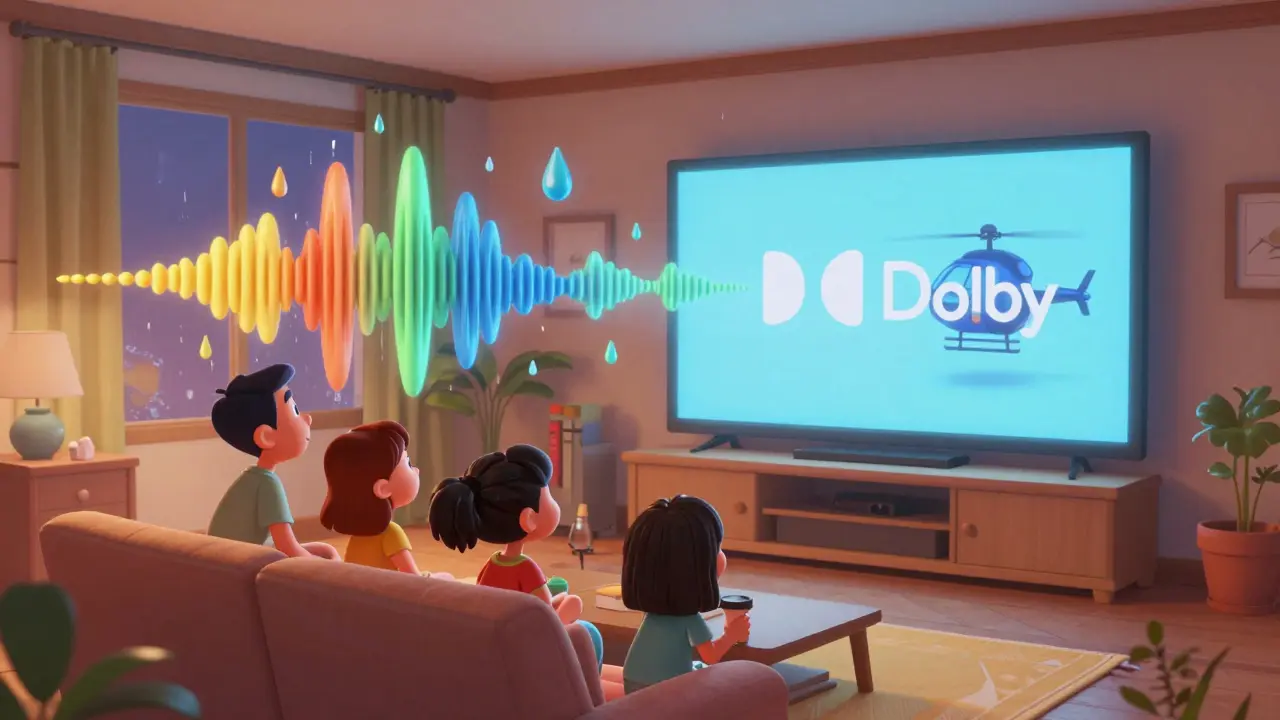
Ever put on headphones, hit play on your favorite show, and felt like the sound was swirling around you-like you’re inside the scene? That’s not magic. It’s Dolby Atmos and Spatial Audio working together, and not all streaming services do it the same way. If you’re trying to decide whether Netflix, Apple TV+, or Max is worth the extra bucks for better sound, you’re not alone. Let’s cut through the marketing noise and see what’s actually happening under the hood.
What Dolby Atmos and Spatial Audio Really Do
Dolby Atmos isn’t just surround sound with more speakers. It’s object-based audio. That means every sound-a raindrop, a whisper, a helicopter overhead-is treated like its own independent object in a 3D space. Your system doesn’t just play it through left and right channels. It places it precisely where it should be, whether you’re using a 7.1.4 home theater or plain old AirPods.
Spatial Audio, on the other hand, is Apple’s version of the same idea. It’s not a standalone format like Dolby Atmos. Instead, it’s a software layer that takes Dolby Atmos tracks and adapts them for headphones using head-tracking. If you turn your head, the sound stays locked to the screen. That’s why when you watch a fight scene on Apple TV+ and lean left, the punch still sounds like it’s coming from the right side of the room.
Both technologies rely on the same source material. But how each service delivers it? That’s where things get messy.
Netflix: The Broadest Reach, But Not Always the Best
Netflix leads in content volume. It has over 1,200 titles with Dolby Atmos audio, from Stranger Things to The Witcher. That’s more than any other service. But here’s the catch: not all of them are true Dolby Atmos.
Many older shows and non-originals on Netflix use upmixed audio. That means a 5.1 track gets processed into an Atmos-like format by software-not by the original mixers. The difference? Real Atmos has depth and precision. Upmixed Atmos sounds wide, but flat. You’ll notice it in scenes with layered sound-like a crowded market or a storm. Real Atmos lets you hear individual elements moving. Upmixed? Everything just gets louder.
Also, Netflix doesn’t always label Atmos tracks clearly. You’ll need to check the audio settings manually on your device. On iOS, go to Settings > Audio > Audio Output. If it says “Dolby Atmos,” you’re good. If it says “Dolby Digital Plus,” you’re not getting the full experience.
Apple TV+: The Hidden Gem for Audiophiles
Apple TV+ doesn’t have the biggest library. But what it does have? Almost every original is mixed in true Dolby Atmos by the original studio, then processed with Apple’s Spatial Audio engine. That’s rare.
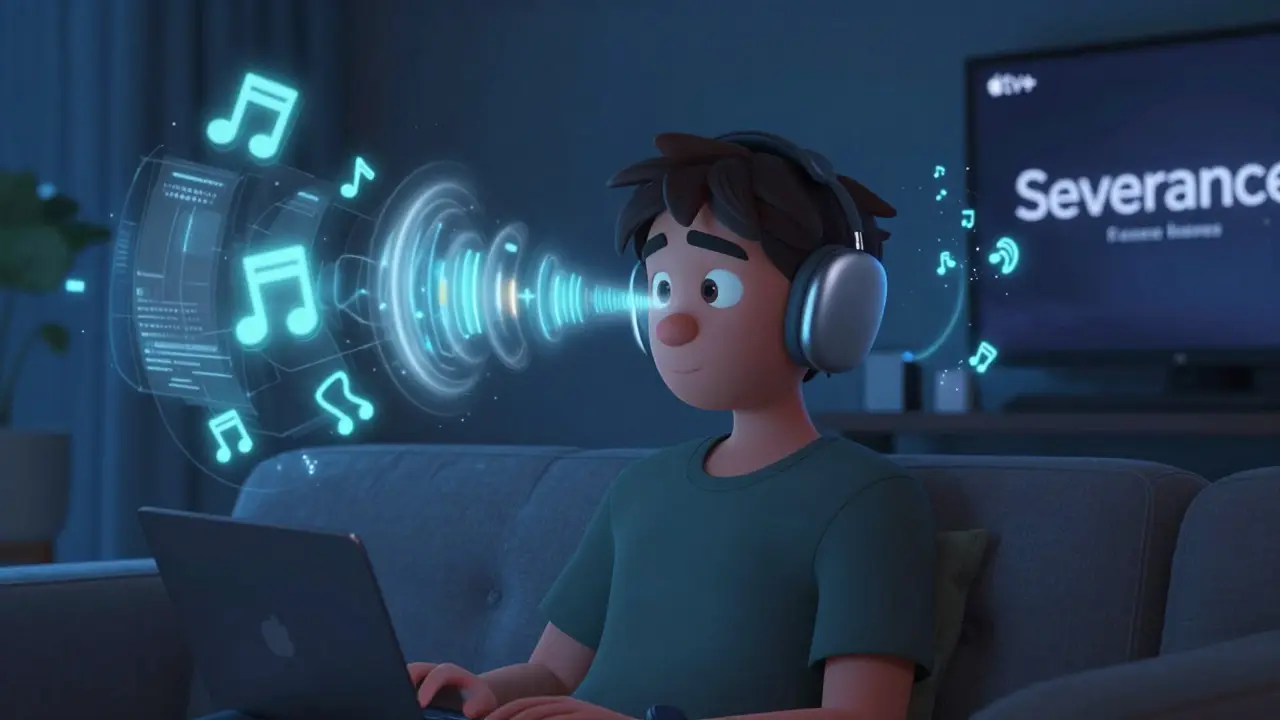
Take Severance. The eerie silence in the office corridors? You hear the faint hum of fluorescent lights shifting from one ear to the other as the camera pans. In For All Mankind, rocket launches don’t just boom-they ripple through space, with debris and engine trails moving around you. This isn’t an accident. Apple works directly with sound engineers to ensure Atmos tracks are delivered as intended.
And if you’re using AirPods Pro, AirPods Max, or even Beats headphones, Spatial Audio with head tracking makes it feel like the sound is coming from your TV, even if you’re on the couch with your phone. It’s one of the few services where the headphone experience rivals a $5,000 home theater.
Apple TV+ also supports lossless audio on select titles. That’s not Atmos, but if you care about clarity in dialogue or subtle background music, it’s a big deal.
Max: The Audio Powerhouse That’s Hard to Find
Max (formerly HBO Max) has some of the most meticulously mixed audio in streaming. Think House of the Dragon, Succession, or The Last of Us. These are mixed by teams who’ve worked on theatrical releases. The explosions in House of the Dragon don’t just shake your speakers-they make your couch vibrate with low-end rumble, while dragon wings sweep overhead in perfect stereo panning.
But here’s the problem: Max doesn’t always make Atmos easy to access. On some devices, you have to manually select “Dolby Atmos” in the audio menu. On Roku or Fire Stick, it’s often buried under “Advanced Audio” settings. And if you’re using a smart TV without HDMI eARC, you might be stuck with stereo or compressed 5.1.
Also, Max doesn’t use Spatial Audio. Apple’s head-tracking tech is locked to Apple devices. So while Max delivers better raw Atmos quality than Netflix, you lose the immersive, dynamic feel if you’re not on an Apple ecosystem.
Side-by-Side: What You Actually Hear
Let’s compare three scenes across the services:
| Feature | Netflix | Apple TV+ | Max |
|---|---|---|---|
| True Dolby Atmos Titles | 1,200+ (many upmixed) | All originals (100% true) | Most originals (90%+ true) |
| Headphone Spatial Audio | No | Yes (with head tracking) | No |
| Audio Clarity (Dialogue) | Good | Excellent | Exceptional |
| 3D Sound Placement | Variable | Consistently precise | Very precise |
| Accessibility on Mobile | Works on iOS/Android | Best on Apple devices | Works on iOS, but no head tracking |
For casual viewers, Netflix’s Atmos might be enough. For those who notice every echo in a hallway or the rustle of a coat in a quiet scene? Apple TV+ and Max are leagues ahead.
Which One Should You Choose?
If you’re using AirPods or Beats every day? Apple TV+ is the clear winner. The combination of true Atmos mixing and Spatial Audio with head tracking is unmatched. You won’t find this level of detail anywhere else on mobile.
If you have a home theater with a soundbar or receiver that supports Dolby Atmos? Max gives you the richest, most cinematic experience. The low-end punch and directional accuracy in The Last of Us or Game of Thrones is what studios spent millions perfecting.
Netflix? It’s the fallback. Good for variety, not for audio purity. Stick with it if you’re watching a mix of genres and don’t care about sound design. But if you’ve ever paused a scene just to listen to the ambient noise? You’re already past the point where Netflix’s upmixed audio will satisfy you.
How to Check What You’re Really Getting
Don’t trust the app’s label. Here’s how to verify:
- Play a known Atmos title (like Stranger Things on Netflix, Severance on Apple TV+, or The Last of Us on Max).
- On your device, go to Settings > Audio or Sound Output.
- Look for “Dolby Atmos” or “Atmos” in the audio format. If it says “Dolby Digital,” “Stereo,” or “5.1,” you’re not getting Atmos.
- On Apple devices, check if Spatial Audio is enabled in Control Center. A small icon will appear next to the volume slider.
- Use headphones. Atmos and Spatial Audio are designed to be heard best through them.
Some devices-especially older ones-don’t support Atmos over Bluetooth. If you’re using non-Apple wireless headphones, you might get stereo even if the source is Atmos. That’s a hardware limit, not a service flaw.
Final Thought: It’s Not About the Number of Shows
Netflix has more titles. Max has better sound. Apple TV+ has the best headphone experience. But here’s what matters: audio quality isn’t a bonus feature. It’s part of the story.
When a scene in Succession shifts from a silent boardroom to a screaming press conference, the jump isn’t just visual. It’s sonic. The way the noise crashes over you, the way voices dodge left and right-it’s designed to unsettle you. That’s not accidental. And if your setup can’t deliver it, you’re missing half the experience.
Choose based on what you value. If you listen with headphones daily? Apple TV+. If you have a home theater? Max. If you just want variety and don’t mind losing detail? Netflix is fine. But if you care about sound as much as the story? You owe it to yourself to try the others.
Is Dolby Atmos better than Spatial Audio?
They’re not rivals-they work together. Dolby Atmos is the audio format. Spatial Audio is Apple’s way of making Atmos work better on headphones using head tracking. You need Atmos content to use Spatial Audio. One isn’t better than the other; they’re complementary.
Do I need special headphones for Spatial Audio?
Yes. Spatial Audio with head tracking only works on Apple devices: AirPods Pro (1st or 2nd gen), AirPods Max, and AirPods (3rd gen). Older AirPods or non-Apple headphones won’t trigger the feature, even if they play Atmos.
Can I get Dolby Atmos on my smart TV?
Only if your TV has HDMI eARC and supports Dolby Atmos decoding. Most budget TVs don’t. If you’re using the TV’s built-in speakers, you’ll likely only get stereo or compressed 5.1, even if the stream is Atmos. For full quality, connect to a soundbar or AV receiver with Atmos support.
Why does Netflix sound worse than Apple TV+ even though both say “Dolby Atmos”?
Because Netflix often uses upmixing. That means they take older 5.1 tracks and run them through software to simulate Atmos. Apple TV+ and Max use original Atmos mixes created by sound engineers in studios. The difference is like comparing a photo filter to a professional photo shoot.
Is Spatial Audio worth it if I don’t have Apple gear?
Not really. Spatial Audio is tied to Apple’s ecosystem. If you’re using Android, Windows, or non-Apple headphones, you won’t get head tracking or the immersive effect. You’ll still get Dolby Atmos if the service supports it, but you’ll miss out on the magic that makes it feel like sound is moving around you.