
You signed up for a streaming service because you wanted to watch something great. Now you don’t watch it anymore. Maybe you forgot you were even paying. Maybe you switched to another service. Maybe you just don’t have the time anymore. But that monthly charge? It’s still there. And if you don’t cancel it the right way, you’ll keep paying - even if you never open the app again.
Most people assume canceling a streaming subscription is simple. Just tap a button. But here’s the truth: if you signed up through the App Store or Google Play, canceling isn’t as easy as it looks. And if you signed up directly on the website? That’s a different story. Which one’s easier? Let’s break it down - no fluff, no jargon, just what actually happens when you try to stop paying.
How You Signed Up Changes Everything
It sounds obvious, but your cancelation path depends entirely on where you originally subscribed. If you signed up for Hulu, Disney+, or even Apple TV+ on your iPhone using your Apple ID, you didn’t sign up with Hulu or Disney. You signed up with Apple. That means Apple is now the middleman. And middlemen don’t make things simple.
When you sign up directly on a website - say, Netflix.com or Max.com - you’re dealing with the service itself. Your account is theirs. You log in. You manage your subscription. You cancel. Done.
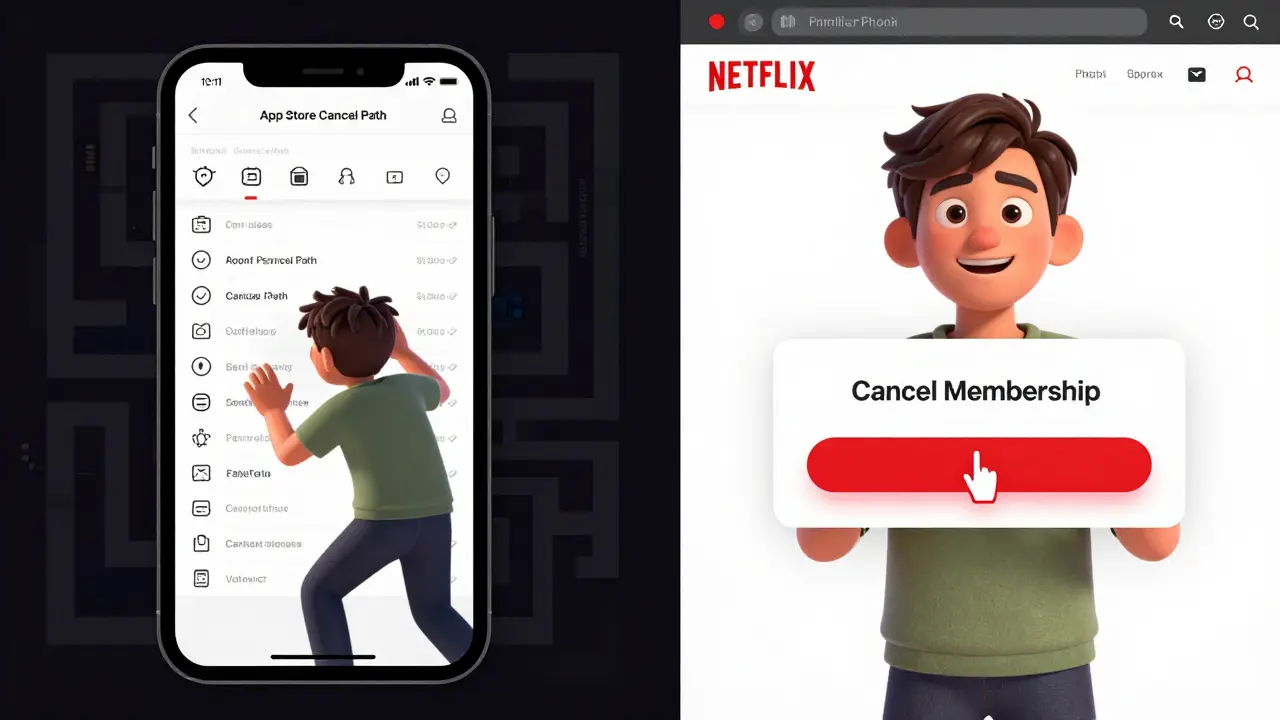
But if you used the App Store? Apple handles your billing. They hold your payment info. They control the subscription lifecycle. And if you try to cancel on the service’s website? You’ll get stuck. The website will tell you to go to Apple. Apple won’t let you cancel from the app. It’s a loop.
Canceling Through the App Store: The Long Way
Here’s how you cancel a subscription you made through the App Store on an iPhone:
- Open the Settings app.
- Tap your name at the top.
- Select Subscriptions.
- Find the streaming service you want to cancel.
- Tap it. Then tap Cancel Subscription.
That’s five steps. And you have to know where to look. Most people never find the Subscriptions menu. They open the streaming app. They look for a Cancel button. They don’t see one. They give up. And they keep paying.
And here’s the kicker: Apple doesn’t let you cancel mid-cycle. You can’t get a refund for the current month. You just lose access when the next billing date hits. No prorated refunds. No exceptions. Even if you cancel on day one of your billing cycle, you still pay for the full month.
And if you’re on an iPad or Mac? The process is different again. On Mac, you have to go through the App Store app, then your Apple ID, then Account Settings, then Subscriptions. It’s not intuitive. It’s buried. And Apple doesn’t send you reminders when your subscription renews. You’re on your own.
Canceling Directly on the Website: Faster, Cleaner
Now compare that to canceling directly on the service’s website. Let’s say you signed up for Netflix on Netflix.com. Here’s what you do:
- Go to netflix.com/account.
- Scroll down to Membership & Billing.
- Click Cancel Membership.
- Confirm.
That’s four steps. And you’re right there in the service’s own interface. No middleman. No hidden menus. No confusion.
Some services even let you pause instead of cancel. Hulu, for example, lets you pause for up to 12 weeks. That’s useful if you’re going on vacation or just need a break. But if you signed up via App Store? You can’t pause. You can only cancel. And once you cancel, you lose everything - your watchlist, your profile, your saved shows. You have to start over if you come back.
And here’s something most people don’t know: when you cancel directly, you often get a confirmation email with a clear end date. When you cancel via App Store? You get a generic Apple receipt. No details. No timeline. You have to remember to check your bank statement to confirm it actually stopped.
Why Apple Makes It Harder
Apple doesn’t make it hard on purpose - at least, not in the malicious sense. But their system is designed to keep you locked in. If you cancel through Apple, they lose their 15-30% cut of the subscription fee. So they have no incentive to make it easy.
Compare that to services like Netflix or Disney+, which want you to stay - but also want you to feel in control. They don’t want you to hate them for making cancellation hard. They know if you can’t cancel easily, you’ll leave with bad feelings. And you’ll tell people.
Apple doesn’t care about your experience with Disney+. They care about their cut. And they don’t want you to know how easy it is to leave. That’s why the App Store cancelation process is intentionally vague. That’s why there’s no clear exit button inside the apps themselves.
What About Android? Google Play Is Worse
Android users aren’t off the hook. Google Play’s cancelation process is even less user-friendly. You have to go to the Google Play Store app, tap your profile, then Payments & Subscriptions, then Subscriptions. And even then, the list is messy. Some subscriptions don’t show up. Others show up under the wrong name. And Google doesn’t let you cancel from the actual streaming app either.
Worse? Google often delays the cancellation by up to 24 hours. So you might think you canceled, but you still get charged. No warning. No notice. Just another charge on your card.
Apple at least gives you a clear end date. Google? You’re left guessing.
Which One Is Actually Easier?
Let’s cut to the chase: canceling directly on the website is easier. Always.
App Store and Google Play subscriptions are convenient when you sign up - one tap, no credit card entry, instant access. But that convenience turns into a trap when it’s time to leave.
Here’s the rule: if you signed up through your phone’s app store, you must cancel through the phone’s settings. If you signed up on a computer or mobile browser, cancel on the website.
And if you’re unsure where you signed up? Check your bank statement. Look for the charge. If it says “Apple.com” or “Google Play,” you used the app store. If it says “Netflix,” “Hulu,” or “Max,” you signed up directly.
How to Avoid This Mess in the First Place
Don’t use the App Store or Google Play to sign up for streaming services unless you’re okay with the hassle later.
Instead:
- Go to the service’s website on your phone’s browser (Safari or Chrome).
- Sign up using your email and a credit card.
- Manage everything from your browser or desktop.
You’ll get better customer support. You’ll get clearer billing. You’ll be able to pause, upgrade, or cancel without jumping through hoops.
And if you already signed up via app store? Go fix it now. Go to Settings > Subscriptions. Cancel the ones you don’t use. Then sign up again - directly on the website. You’ll get the same service. But now you control it.
What Happens After You Cancel?
After you cancel, you still have access until the end of your current billing period. That’s the law. Apple and Google can’t cut you off early. So if you cancel on January 15 and your next billing date is February 1, you’ll still be able to watch until February 1.
But here’s what no one tells you: your account doesn’t vanish. Your watch history, your profile, your list of saved shows - they stay. If you sign up again later, you get it all back. That’s true whether you canceled through Apple or directly.
Just don’t delete the app. Keep it installed. You never know when you’ll want to rewatch that show.
Final Answer: Go Direct
Canceling via the App Store is a chore. Canceling directly on the website? It’s a click. One tap. Done.
There’s no reason to let Apple or Google control your streaming subscriptions. You paid for the content. You should control the access. Don’t let a platform that takes a cut of your money decide when you can leave.
If you’re paying for a streaming service you don’t use - cancel it. But do it the right way. Go to the website. Log in. Hit Cancel. Save your time. Save your money. And stop letting middlemen win.
Can I cancel a streaming subscription from the app itself?
No. Streaming apps like Netflix, Hulu, or Disney+ don’t let you cancel from inside the app if you signed up through the App Store or Google Play. The cancel option is intentionally hidden. You must go to your device’s settings - Settings > Subscriptions on iPhone, or Google Play Store > Subscriptions on Android - to cancel.
Will I get a refund if I cancel mid-cycle?
No. Neither Apple nor Google offer prorated refunds. If you cancel halfway through your billing period, you keep access until the end of the month, but you don’t get money back. The same applies if you cancel directly on the website. You pay for the full cycle, no exceptions.
How do I know if I signed up through the App Store?
Check your bank or credit card statement. If the charge says "Apple.com", "App Store", or "Google Play", you signed up through the app store. If it says the name of the service - like "Netflix" or "Max" - you signed up directly on their website.
Can I pause a subscription instead of canceling?
Only if you signed up directly on the service’s website. Services like Hulu and Max let you pause for weeks. But if you used the App Store, you can’t pause - only cancel. You’ll lose your place if you come back later.
What happens to my watch history after I cancel?
Your watch history, profiles, and saved shows stay saved - even after you cancel. If you sign up again later, everything returns. This is true whether you canceled through Apple, Google, or directly on the website. Just don’t delete the app unless you want to re-download it later.