
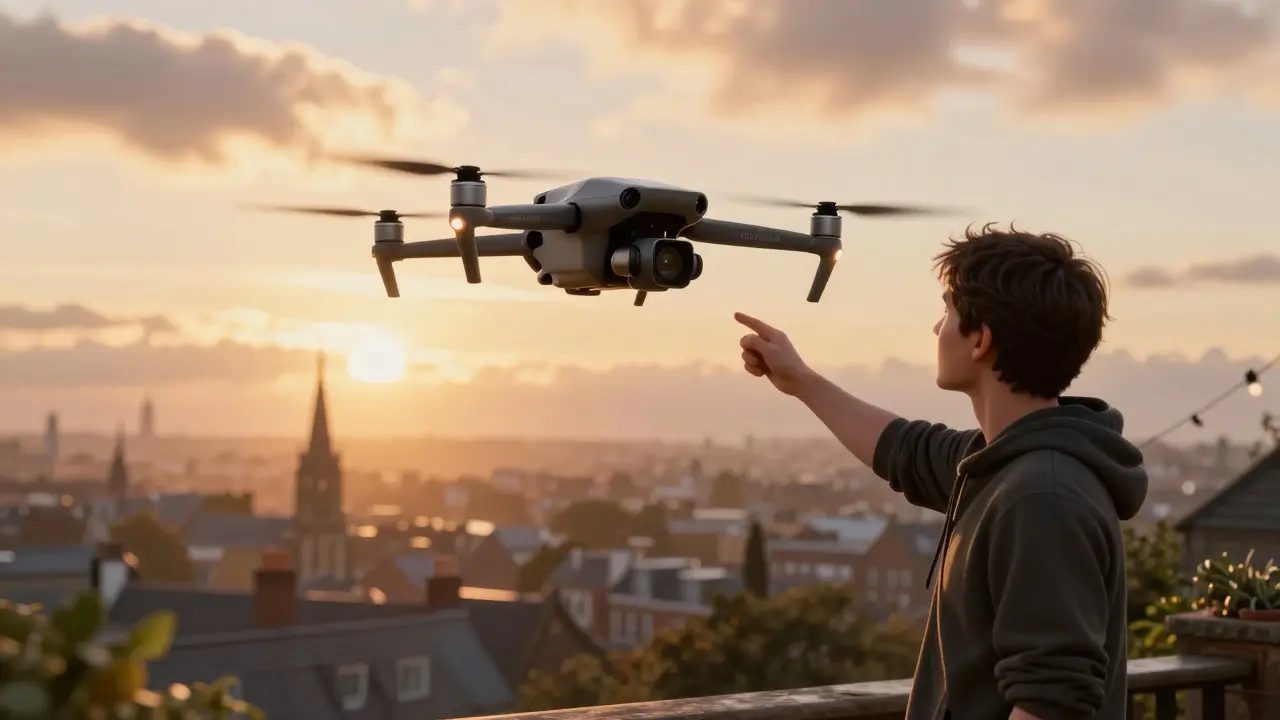
Years ago, getting an aerial shot in a movie meant renting a helicopter, hiring a pilot, and spending tens of thousands of dollars. Now, a filmmaker in Dublin can strap a camera to a $1,200 drone and capture sweeping landscapes, tracking shots over crowds, or dramatic reveals of a city skyline-all from their backyard. Drone cinematography didn’t just change how films look-it rewrote the rules of storytelling in motion pictures.
Why Drones Changed Everything
Before drones, filmmakers relied on cranes, wire rigs, or helicopters to get high-angle shots. Those tools were expensive, slow to set up, and often dangerous. A crane might take two hours to position. A helicopter cost $2,000 an hour, plus fuel, permits, and insurance. And even then, you couldn’t fly low over trees or weave through narrow alleyways.
Drones changed that. Today’s professional cinematic drones-like the DJI Inspire 3, Freefly Alta X, or Skydio X2-can carry full-frame cinema cameras. They fly smoothly at speeds up to 50 mph, hold steady in 30 mph winds, and record 8K video with 12 stops of dynamic range. That’s not just better than a helicopter-it’s more flexible, more precise, and far more affordable.
Look at films like Game of Thrones or 1917. Those sweeping shots of castles and battlefields? Most of them were done with drones. Even indie films shot on $5,000 budgets now use drones to create visuals that used to require studio-level resources.
How Drone Shots Tell Stories
It’s not just about height. It’s about perspective. A drone doesn’t just show you where characters are-it shows you how they fit into the world around them.
Opening shots matter. Think of the first scene in Blade Runner 2049. The drone glides over a desolate wasteland, revealing a lone figure walking toward a giant hologram. That shot isn’t just pretty-it sets the tone. It tells you this world is vast, lonely, and indifferent.
Drone shots can also create tension. In John Wick: Chapter 3 - Parabellum, a drone follows the protagonist through a crowded market, keeping pace as he ducks between stalls. The camera doesn’t just watch-it feels like it’s hunting him. That’s emotional storytelling through movement.
And then there’s the reveal. A drone starts low, close to the ground, then rises slowly to show a character standing alone on a cliff. That single motion-from intimate to epic-can make an audience gasp. It’s not special effects. It’s just smart camera work.
Essential Drone Equipment for Film
You don’t need a Hollywood budget to shoot cinematic drone footage. But you do need the right gear.
- Drone: DJI Inspire 3 is the current industry standard. It holds a CinemaDNG-capable camera, has dual operators (pilot + gimbal operator), and records in Apple ProRes 422 HQ. For budget filmmakers, the DJI Mini 4 Pro with a 1-inch sensor and 4K/120fps is surprisingly capable.
- Camera: Look for at least 10-bit color and Log profiles (D-Log, C-Log, or S-Gamut3.Cine). These give you room to grade in post. Avoid consumer cameras that only shoot 8-bit 4:2:0.
- ND Filters: Drones have small sensors. Without ND filters, you’ll blow out your sky or get motion blur in daylight. Carry a set of ND4, ND8, ND16, and ND32 filters.
- Remote Controller: Use one with a built-in screen. The DJI RC Pro has a 1,000-nit display-critical for outdoor shooting when sunlight washes out phone screens.
- Backup Batteries: A cinematic drone battery lasts 20-30 minutes. Bring at least four. You’ll need them.
Don’t forget a sturdy case. Drones are delicate. One hard landing can cost more than your camera.
Key Drone Shot Types Every Filmmaker Should Master
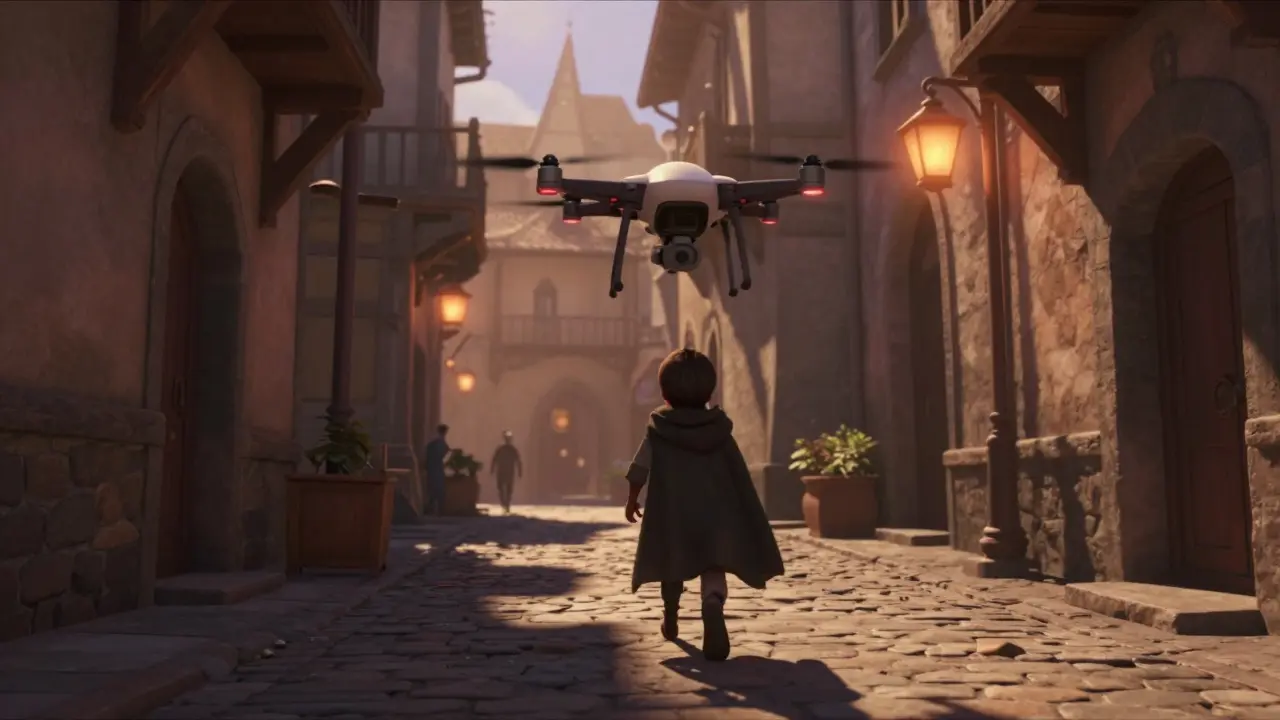
Not every drone shot works. Some look cool but feel empty. Here are the five most effective types, used in professional films:
- The Rise Reveal: Start tight on a subject, then slowly pull up to show their environment. Used in Arrival to show the alien ship emerging from fog.
- The Tracking Follow: Keep the subject in frame as you move alongside them. Think of a runner on a beach or a car speeding down a coastal road. The drone stays locked on, creating a sense of momentum.
- The Orbit: Circle the subject slowly. This builds tension or highlights isolation. Used in The Revenant to show the protagonist alone in the wilderness.
- The Top-Down Dive: Start high, then drop vertically toward the subject. Perfect for revealing a hidden object or person. Seen in Stranger Things when the camera drops into the Upside Down.
- The Fly-Through: Navigate the drone through tight spaces-trees, buildings, tunnels. This creates immersion. Used in Mad Max: Fury Road to make the chase feel chaotic and real.
These aren’t just techniques. They’re emotional tools. Each one manipulates how the audience feels.
Legal and Safety Rules You Can’t Ignore
Drone filming isn’t lawless. In Ireland, the Irish Aviation Authority (IAA) requires you to register any drone over 250g. You need a Remote Pilot Certificate to fly commercially. No flying over crowds, near airports, or above 120 meters without special permission.
In the U.S., the FAA requires a Part 107 license. In the UK, you need a CAA-issued A2 Certificate of Competency. These aren’t just paperwork-they’re safety nets. A drone crashing into a crowd isn’t just a bad shot. It’s a tragedy.
Always check local regulations before you fly. Use apps like DJI Fly Safe or B4UFLY to see no-fly zones. And never fly in rain, fog, or high winds. Your camera isn’t waterproof. Your reputation is.
Editing Drone Footage for Maximum Impact
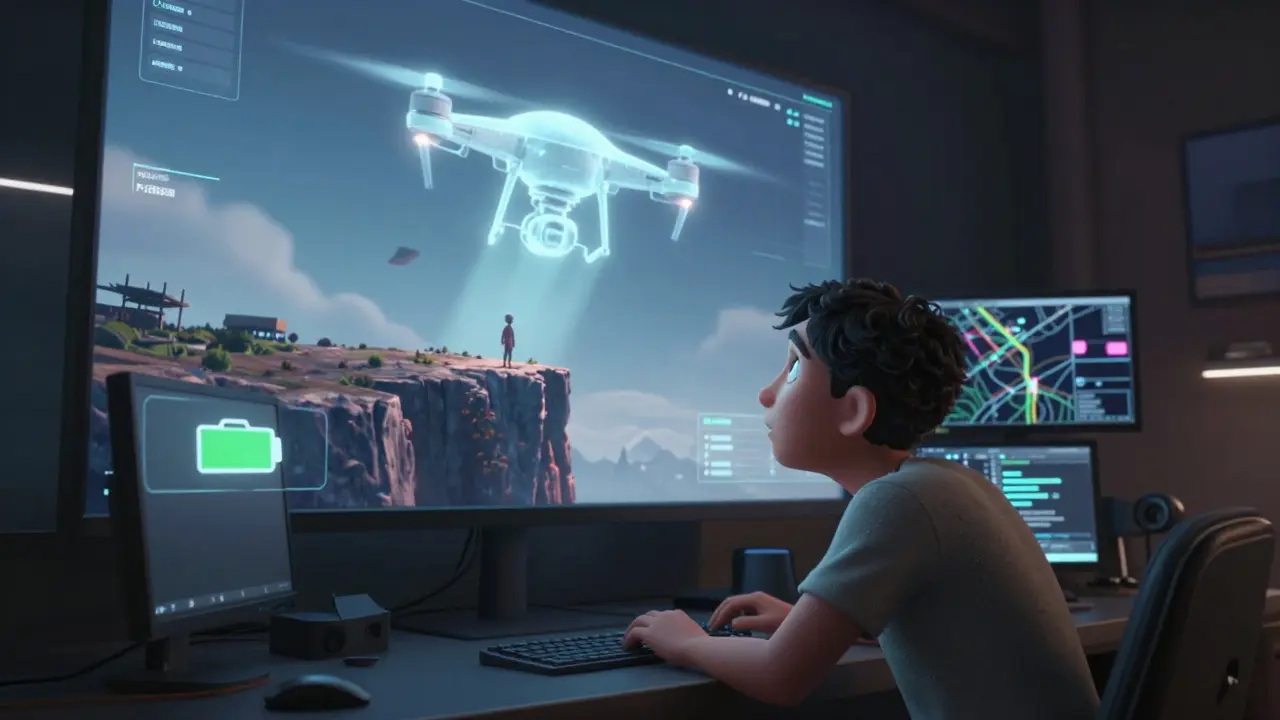
Shooting great drone footage is only half the battle. Editing it right is what turns clips into cinema.
First, stabilize everything. Even the best drones have slight vibrations. Use Warp Stabilizer in Premiere Pro or Optical Flow in Final Cut Pro. Don’t overdo it-too much smoothing kills the natural feel.
Second, color grade like a pro. Drones often shoot flat profiles. Use LUTs designed for your camera (like DJI’s D-Log to Rec.709 LUT). Boost shadows slightly. Keep highlights from blowing out. Add subtle grain to match footage from your DSLR or cinema camera.
Third, cut with purpose. Don’t just show a drone shot because it’s pretty. Ask: Does this move the story forward? Does it reveal something new? If the answer’s no, cut it.
One pro tip: Always leave 3-5 seconds of extra footage at the start and end of each shot. You’ll thank yourself when you’re editing and realize you need just a little more time to land the cut.
Common Mistakes and How to Avoid Them
Even experienced filmmakers mess up with drones. Here are the top five errors-and how to fix them:
- Too much movement: Slow, smooth motion works. Jerky, fast pans look amateurish. Use manual controls, not auto modes.
- Ignoring the sun: Shooting into the sun creates lens flare and blown-out skies. Position the drone so the sun is behind or to the side.
- Forgetting the ground: Always include some ground detail. A drone shot floating in empty sky feels empty. Include trees, water, or roads to give scale.
- Overusing the reveal: If every scene starts with a rise shot, it loses meaning. Save the big reveal for moments that matter.
- Not planning the flight path: Wing it, and you’ll waste battery and time. Sketch your shot on paper first. Mark start, end, and key points.
One filmmaker in Cork shot a whole sequence of a lighthouse at sunset-only to realize halfway through that the drone’s battery was at 18%. He lost the shot. Plan. Always plan.
What’s Next for Drone Cinematography
The tech is getting smarter. New AI-powered drones can now follow subjects automatically with 99% accuracy. The DJI Avata 2 uses FPV goggles for immersive flying. Some studios are testing drone swarms-dozens of drones flying in sync to create animated light patterns in the sky.
But the real future isn’t in the hardware. It’s in the hands of filmmakers who use drones not as gadgets, but as storytelling tools. The next great film won’t win awards because it had the fanciest drone. It’ll win because someone used that drone to show us something we’d never seen before-and made us feel it.
Can I use a consumer drone like the DJI Mini 3 Pro for professional film work?
Yes, but with limits. The DJI Mini 3 Pro has a 1/1.3-inch sensor and can shoot 4K/60fps with HDR. It’s great for indie films, commercials, or social media content. But for theatrical releases, you’ll want a larger sensor (like the Inspire 3’s 4/3-inch) and 10-bit Log recording to handle color grading. The Mini 3 Pro works for budget projects, but it’s not a replacement for cinema-grade gear.
Do I need a license to fly a drone for filming?
In most countries, yes-if you’re flying commercially. In Ireland, you need an IAA Remote Pilot Certificate for drones over 250g. In the U.S., you need an FAA Part 107 license. Even if your drone is small, if you’re getting paid or using the footage for business, you’re flying commercially. Don’t risk fines or confiscation-get certified.
How long do drone batteries last during filming?
Professional cinematic drones like the Inspire 3 last 20-25 minutes per battery under normal conditions. Smaller drones like the Mini 4 Pro last 30-34 minutes. But in cold weather, wind, or when using heavy payloads, that drops to 15 minutes. Always carry four batteries for a full day of shooting. Swap them while reviewing footage to stay efficient.
Can I fly a drone at night for film shots?
It’s possible, but risky. Most consumer drones have LED lights that ruin night shots. Professional drones like the Inspire 3 have no lights, and you can use external lighting. But you need special permissions in most countries. Night flying also increases collision risk. Only attempt it if you’re experienced, have proper lighting, and have cleared it with local authorities.
What’s the best way to learn drone cinematography?
Start with a simulator. Apps like DJI Simulator or Hover teach you flight control without risking your gear. Then practice in open fields-no people, no trees. Learn to fly manually, not with auto modes. Watch films and break down how shots are composed. Then shoot your own short sequences. Practice for 20 minutes every day. In three months, you’ll be shooting like a pro.