
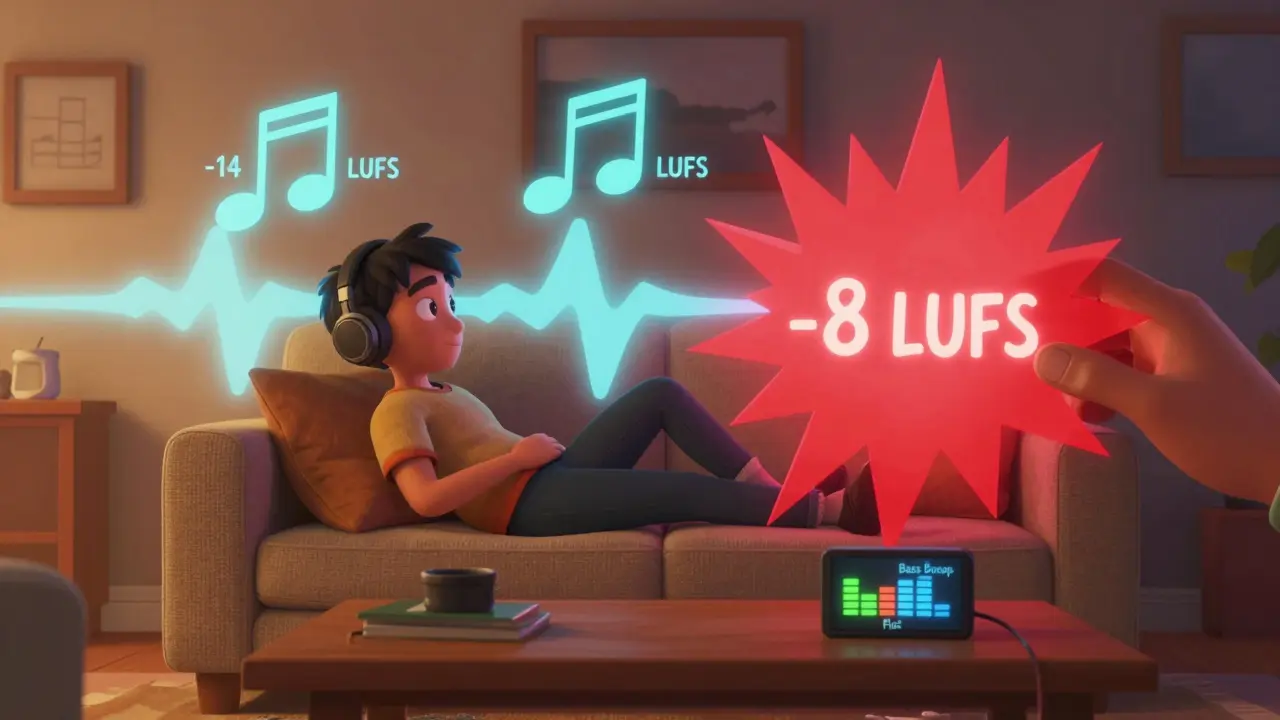
Have you ever played the same song on two different music apps and one sounded like it was shouting while the other felt muffled? It’s not your headphones. It’s not your ears. It’s how the app handles sound. Music streaming services like Spotify, Apple Music, and YouTube Music all use two hidden tools to make sure your music doesn’t blast you out of your chair or disappear into silence: equalizer and loudness normalization. Knowing how these work lets you take control of your listening experience - no more guessing, no more volume wars between tracks.
What Loudness Normalization Actually Does
Loudness normalization isn’t about making everything as loud as possible. That’s a myth. Back in the early 2000s, record labels and producers started pushing volumes higher and higher to sound "better" on car stereos and portable players. This became known as the "loudness war." The result? Music lost its dynamics. A quiet piano passage became as loud as a drum hit, and your ears got tired faster.
Streaming services fixed this by measuring how loud a track actually sounds to the human ear - not just peak volume, but average loudness over time. They use a standard called LUFS (Loudness Units relative to Full Scale). Most platforms aim for -14 LUFS. That’s the sweet spot: loud enough to be clear, quiet enough to preserve the music’s natural rise and fall.
When you play a song recorded at -8 LUFS (super loud) next to one at -16 LUFS (more dynamic), the app automatically turns down the loud one and boosts the quiet one so they both feel equally balanced. No manual volume tweaking. No ear fatigue. Just consistent listening.
How the Equalizer Fits In
If loudness normalization keeps everything at a fair volume, the equalizer (EQ) lets you shape the sound. EQ lets you boost or cut specific frequencies: bass, mids, treble. Think of it like a kitchen mixer for sound - turn up the bass for hip-hop, boost mids for vocals, dial back treble if your headphones sound too sharp.
But here’s the catch: most streaming apps apply loudness normalization after your EQ settings. That means if you crank the bass, the app might turn down the overall volume to stay within the -14 LUFS limit. The result? Your bass-heavy track still sounds quiet. You think the EQ isn’t working. It is - it’s just being overridden.
Some apps, like Tidal and Apple Music, let you disable loudness normalization if you want full control. Others, like Spotify, lock it on by default. That’s fine if you want consistency. But if you’re a music lover who cares about how a track was meant to sound, turning off normalization gives you the real deal.
Why Some Apps Hide These Settings
You won’t find loudness normalization as a toggle on most apps. Why? Because companies don’t want you to notice it. They want you to think the music sounds "perfect" out of the box. But if you’ve ever listened to a classical piece and wondered why the quiet parts vanished, or why your favorite metal album doesn’t hit like it used to - you’re feeling the effects of a one-size-fits-all approach.
Spotify’s "Normal Volume" setting is actually loudness normalization in disguise. Apple Music calls it "Sound Check." YouTube Music doesn’t even name it - it just does it. These aren’t bugs. They’re features designed for casual listeners who don’t care about dynamics. But if you’re listening to jazz, live recordings, or albums with intentional quiet-loud contrasts, this uniformity kills the experience.

When to Turn Off Loudness Normalization
Turn it off if:
- You listen to classical, opera, or acoustic jazz - these genres rely on dynamic range.
- You use high-quality headphones or studio monitors - they can handle the full range.
- You notice your favorite albums sound flat or lifeless.
- You’re mixing or mastering your own music - you need to hear the original levels.
Keep it on if:
- You’re commuting, working out, or in noisy places - you need consistent volume.
- You switch between podcasts, audiobooks, and music - normalization helps avoid sudden spikes.
- You don’t tweak EQ settings and just want "good enough" sound.
How to Find and Use These Settings
Here’s where to look on major platforms as of 2026:
Spotify
Go to Settings → Playback → toggle "Normalize Volume" off. Then head to your EQ under Settings → Equalizer. You’ll find presets like "Bass Booster," "Treble Boost," or "Vocal Enhancer." You can also drag sliders manually. Try "Flat" if you want to hear the track as intended.
Apple Music
Open Settings → Music → toggle "Sound Check" off. Then go to EQ under Settings → Music → EQ. Apple offers 20 presets. For electronic or rock, try "Dance" or "Rock." For vocals, "Vocal Booster" works well. If you turn off Sound Check, your EQ will have full impact.
YouTube Music
YouTube Music doesn’t offer EQ or loudness toggle. But you can use the built-in EQ on your phone (iOS or Android) to adjust sound globally. Go to Settings → Sounds → EQ (or use third-party apps like Poweramp or Neutron).
Tidal
Tidal is the most musician-friendly. Go to Settings → Audio Quality → toggle "Loudness Normalization" off. Then use the 10-band EQ. You can save custom presets. This is the only major app that lets you fully bypass loudness processing.
Real-World Example: What Happens When You Change Settings
Take Radiohead’s "How to Disappear Completely." The song starts with a whisper - barely audible - then builds into a wall of noise. On Spotify with normalization on, the whisper gets boosted so loud that the climax feels less powerful. Turn normalization off, and the quiet part feels haunting. The explosion feels earned. That’s the difference between a playlist and a performance.
Same goes for Billie Eilish’s "Ocean Eyes." The original version has airy, breathy vocals buried in reverb. With normalization on, the app lifts everything to the same level, making her voice sound flat. Turn it off, and you hear the space, the emotion - the way it was recorded.

EQ Settings That Actually Work
Don’t just pick presets. Try these tweaks based on genre:
- Electronic/Dance: Boost 60-100 Hz (bass), cut 300-500 Hz (mud), boost 8-12 kHz (air).
- Rock/Metal: Boost 100-200 Hz (power), cut 400 Hz (boxiness), boost 5-7 kHz (presence).
- Jazz/Blues: Slight boost at 1-3 kHz (sax, vocals), cut 200-300 Hz (room rumble), keep treble flat.
- Classical: Leave EQ flat. If you must tweak, gently boost 10-15 kHz (cymbals, strings).
- Vocals (pop, R&B): Boost 2-5 kHz (clarity), cut 150-250 Hz (muddiness), slight boost at 12 kHz (sparkle).
These aren’t magic numbers - they’re starting points. Listen. Adjust. Repeat. Your ears are the best tool.
Why This Matters More Than You Think
Music isn’t just background noise. It’s art. When apps flatten everything to the same volume and apply generic EQ, they treat every album like a TikTok soundbite. But albums are crafted with care. Producers spend months shaping dynamics, layering textures, and building emotional arcs. Loudness normalization and default EQ settings erase that.
By understanding and controlling these settings, you’re not just adjusting volume - you’re respecting the artist’s intent. You’re choosing to hear music the way it was meant to be heard. Not the way an algorithm thinks you should hear it.
Final Tip: Test With a Song You Know
Grab a track you’ve listened to a hundred times - something with clear dynamics. Play it with normalization on. Then turn it off. Use the EQ to boost bass or treble. Listen for the difference. Does the music breathe again? Does the drum hit feel real? If yes, you’ve unlocked the real sound.
Most people never touch these settings. You don’t have to be an audiophile to care. You just have to care enough to listen.
Does loudness normalization reduce audio quality?
No, loudness normalization doesn’t reduce quality. It adjusts volume levels without altering the original file. But it can reduce dynamic range perception - meaning quiet parts become louder and loud parts get quieter, which might make music feel less emotional or punchy. If you prefer the original mastering, turning it off lets you hear the artist’s true intent.
Why does my EQ not seem to work on Spotify?
Spotify applies loudness normalization after your EQ settings. So if you boost bass heavily, the app may lower the overall volume to stay within its -14 LUFS limit. This makes the EQ feel ineffective. Turn off "Normalize Volume" in Settings → Playback to let your EQ changes have full impact.
Is it better to use EQ or just turn off loudness normalization?
It depends. If you’re listening to well-mastered music and want authenticity, turn off loudness normalization first. Then use EQ only if the sound feels off - like too muddy or too bright. Most people don’t need EQ at all. But everyone benefits from turning off loudness normalization when they want to hear dynamics.
Can I use EQ on my phone instead of the app?
Yes. Both iOS and Android have system-wide EQ settings that affect all audio output. On iPhone, go to Settings → Music → EQ. On Android, it varies by brand - Samsung has "Bass Booster," Google Pixel has "Sound Quality" in the Sound settings. This works even if the app doesn’t offer EQ, but it affects everything - podcasts, videos, calls - not just music.
Which music app gives the most control over sound?
Tidal offers the most control. It lets you toggle loudness normalization off and use a 10-band EQ with custom presets. Apple Music and Spotify are close behind, but Apple requires you to disable Sound Check separately, and Spotify locks normalization on by default. YouTube Music and Amazon Music offer no EQ or loudness controls at all.
Start with one song. Turn off normalization. Tweak the EQ. Listen. You might never go back.