
Netflix has over 270 million subscribers worldwide, and a huge portion of them rely on audio descriptions to enjoy shows and movies. If you’re blind or have low vision, audio description turns visual storytelling into something you can hear-narrating actions, expressions, scene changes, and even text on screen. But not everyone knows how to turn it on, or which titles even have it. And that’s the problem: the feature exists, but it’s buried. This guide cuts through the confusion and shows you exactly how to make Netflix work for you.
What Are Audio Descriptions on Netflix?
Audio description (AD) is a separate audio track that pauses the dialogue briefly to describe what’s happening visually. It tells you when someone is smiling, when a car crashes, or when a character is holding a letter with trembling hands. It’s not just background noise-it’s narrative. Without it, you’re missing half the story.
Netflix added audio description to its platform over a decade ago, but it’s only in the last few years that the library has grown significantly. As of early 2026, more than 8,000 titles on Netflix include audio description. That includes all original series like Stranger Things, The Crown, and Wednesday, plus hundreds of movies like Parasite, Black Panther, and Marriage Story.
How to Turn On Audio Description on Netflix
It’s not hard-but it’s not obvious either. Here’s how to do it on any device:
- Start playing any show or movie.
- Tap the screen to bring up the playback controls.
- Click the Audio and Subtitles icon (it looks like a speech bubble or a speaker).
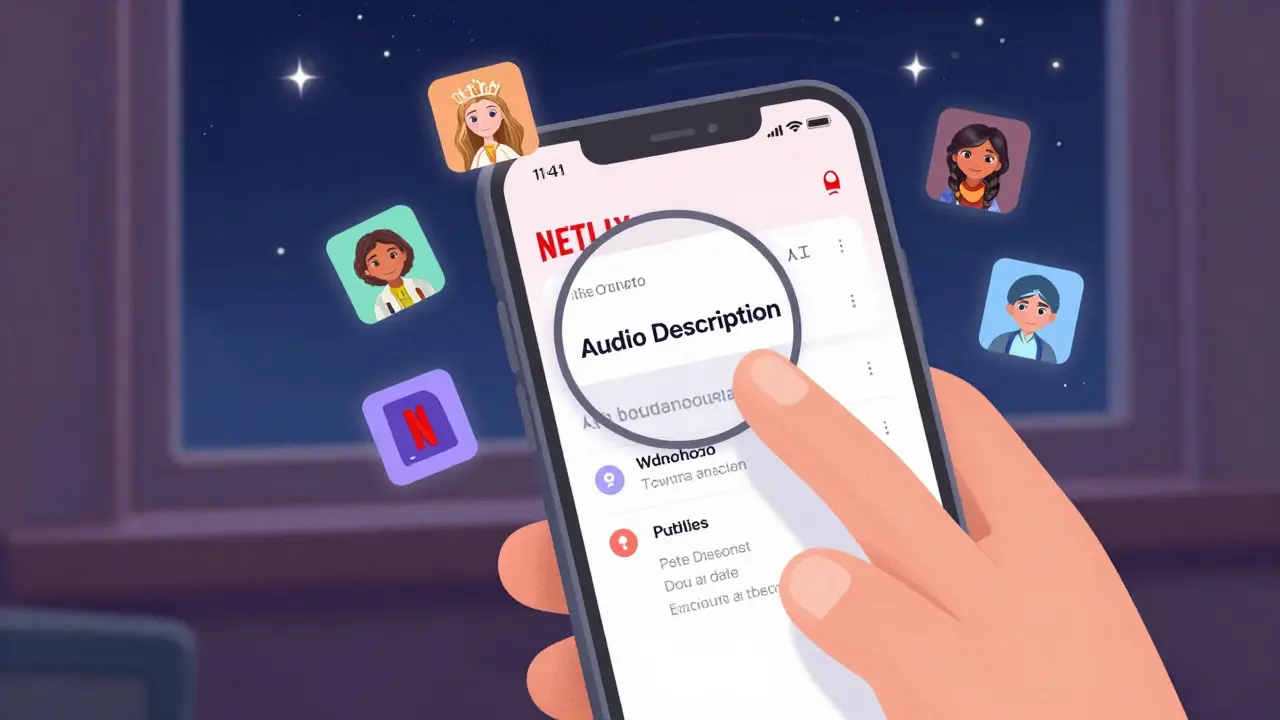
- Under Audio, look for a track labeled Audio Description or AD.
- Select it. The description will start immediately.
If you don’t see the option, the title doesn’t support audio description. Not all shows have it-even if they’re popular. Netflix adds it gradually, often months after release.
Pro tip: You can set audio description as your default preference. Go to your account settings, select Profile & Parental Controls, then Audio Description. Toggle it to On. Now, every compatible title will play with AD turned on automatically.
Which Netflix Titles Have Audio Description?
Netflix doesn’t make a public list, but there’s a simple trick to find them. Search for audio description in the Netflix search bar. You’ll get a curated list of all titles with the feature. It’s not perfect-some older titles might be missing-but it’s the fastest way to browse.
Here’s a snapshot of what’s available in early 2026:
- Original series: Stranger Things, Money Heist, Sex Education, The Queen’s Gambit
- Documentaries: Our Planet, My Octopus Teacher, 13th
- Movies: Spider-Man: Into the Spider-Verse, Everything Everywhere All at Once, Amélie, The Irishman
- Family films: The Mitchells vs. The Machines, Luca, Encanto
Netflix prioritizes audio description for new releases and award-winning content. If a show won an Emmy or got a Golden Globe, chances are it has AD. That’s because the studio is required to meet accessibility standards for distribution.
Why Some Titles Don’t Have Audio Description
It’s not laziness-it’s cost and complexity. Adding audio description means hiring voice actors, recording timing cues, syncing with the original soundtrack, and testing for clarity. For older shows or foreign-language films, the process can cost thousands of dollars per episode.
Netflix has been slowly fixing this. Since 2022, they’ve partnered with organizations like the American Council of the Blind to prioritize AD for classic titles. As of 2026, they’ve added AD to over 1,200 older films and series that didn’t have it before.
But there are still gaps. Many international co-productions, indie films, and non-English content still lack audio description. If you’re craving a specific foreign film and it doesn’t have AD, you can request it through Netflix’s accessibility feedback form. They don’t promise to add it-but they do track requests.
Best Devices for Audio Description
Audio description works on almost every device Netflix supports, but some are better than others.
- Smart TVs: Most 2020+ models from Samsung, LG, and Sony support AD. Use the remote’s dedicated audio button or navigate through the Netflix menu.
- Apple TV: Works perfectly. Use the Siri remote to open audio settings quickly.
- Android and iOS: The app is reliable, but the interface is cluttered. Use the accessibility shortcut: triple-click the side button (iOS) or set up a custom gesture (Android) to toggle AD on the fly.
- Amazon Fire TV: Audio description is available, but the menu is slow. Stick with the remote or use voice commands: “Alexa, turn on audio description.”
- Web browsers: Works fine on Chrome and Edge. Firefox sometimes glitches with the audio track-avoid it if you rely on AD daily.
For the smoothest experience, use a smart TV or Apple TV. The controls are tactile, the menus are clean, and the audio sync is flawless.
How to Improve Audio Description Quality
Not all audio descriptions are created equal. Some are robotic. Others are too slow. A few are oddly timed, cutting into dialogue.
Here’s how to spot the good ones:
- Clear, calm voice-no shouting, no singing, no dramatic flair.
- Pauses at natural breaks-after lines of dialogue, not mid-sentence.
- Describes emotions, not just actions. “She looks away, eyes wet,” is better than “She’s crying.”
- Doesn’t repeat what’s already obvious. If a character says, “I’m leaving,” you don’t need to hear, “She stands up and walks out the door.”
If you hear a description that’s confusing or poorly timed, you can report it. Go to Netflix Help > Accessibility > Report a Problem. Describe the title, timestamp, and what felt off. Netflix reviews every submission.
Alternatives to Netflix Audio Description
Netflix isn’t the only service with audio description. Disney+, Hulu, Amazon Prime Video, and Apple TV+ all offer it. But Netflix leads in volume and consistency.
Disney+ has strong AD for Marvel and Star Wars content, but fewer indie films. Hulu’s library is smaller, but their descriptions are often more detailed. Amazon Prime Video has AD on most originals, but it’s hit-or-miss on rented content.
For users who want more control, apps like Descriptive Video Works or Audio Description Project offer downloadable AD tracks you can sync manually with your media player. But that’s for advanced users. For most people, Netflix’s built-in system is the easiest.
What’s Next for Accessibility on Netflix?
Netflix says it’s committed to making every title accessible by 2030. That includes not just audio description, but also sign language overlays, real-time captioning for live events, and even haptic feedback for immersive experiences.
In 2025, they started testing a new feature called Dynamic Audio Description. It uses AI to generate descriptions on the fly for older content that never had AD. Early results show 85% accuracy-close enough for casual viewing. It’s not perfect, but it’s a start.
They’ve also added voice navigation to their app. Say “Netflix, play Stranger Things with audio description” and it’ll launch the right title with AD on. No menus needed.
Final Tips for Getting the Most Out of Audio Description
- Use headphones. They block background noise and make descriptions clearer.
- Watch in a quiet room. Even a fan or dishwasher can drown out the narration.
- Don’t rush. Audio description slows down the pace. Let it breathe.
- Join the Netflix Accessibility Community on Reddit. Users share tips, report missing AD, and celebrate new additions.
- Ask friends to help. If someone can see, ask them to describe a scene once in a while. It builds empathy-and sometimes, you’ll learn something new about the story.
Audio description isn’t a luxury. It’s a right. And Netflix is one of the few platforms that’s actually trying to get it right. You don’t need to be tech-savvy. You don’t need to buy special gear. You just need to know where to look-and now, you do.
How do I know if a Netflix title has audio description?
Search for "audio description" in the Netflix search bar. That pulls up every title with the feature. You can also check the show’s details page-under the description, it will say "Audio Description available" if it’s supported.
Can I use audio description on my phone?
Yes. The Netflix app on iOS and Android supports audio description. Go to the playback controls, tap the audio icon, and select "Audio Description." You can also set it as your default in your profile settings.
Why is audio description sometimes too quiet?
This happens when the narration track isn’t mixed properly. Try turning up the volume on your device, or switch to headphones. If it’s consistently too quiet on multiple titles, report it to Netflix through Help > Accessibility. They adjust the mix based on user feedback.
Does audio description work with screen readers?
Yes, but not always reliably. On iOS, VoiceOver works well with Netflix’s app. On Android, TalkBack sometimes conflicts with the audio track. For the best experience, use the Netflix app’s built-in controls rather than relying on your device’s screen reader to navigate.
Are all Netflix originals available with audio description?
Almost all new Netflix originals released since 2020 include audio description. Older originals like House of Cards and Daredevil were added later. If you’re unsure, search "audio description" in Netflix-it will list every title with the feature, including originals.