
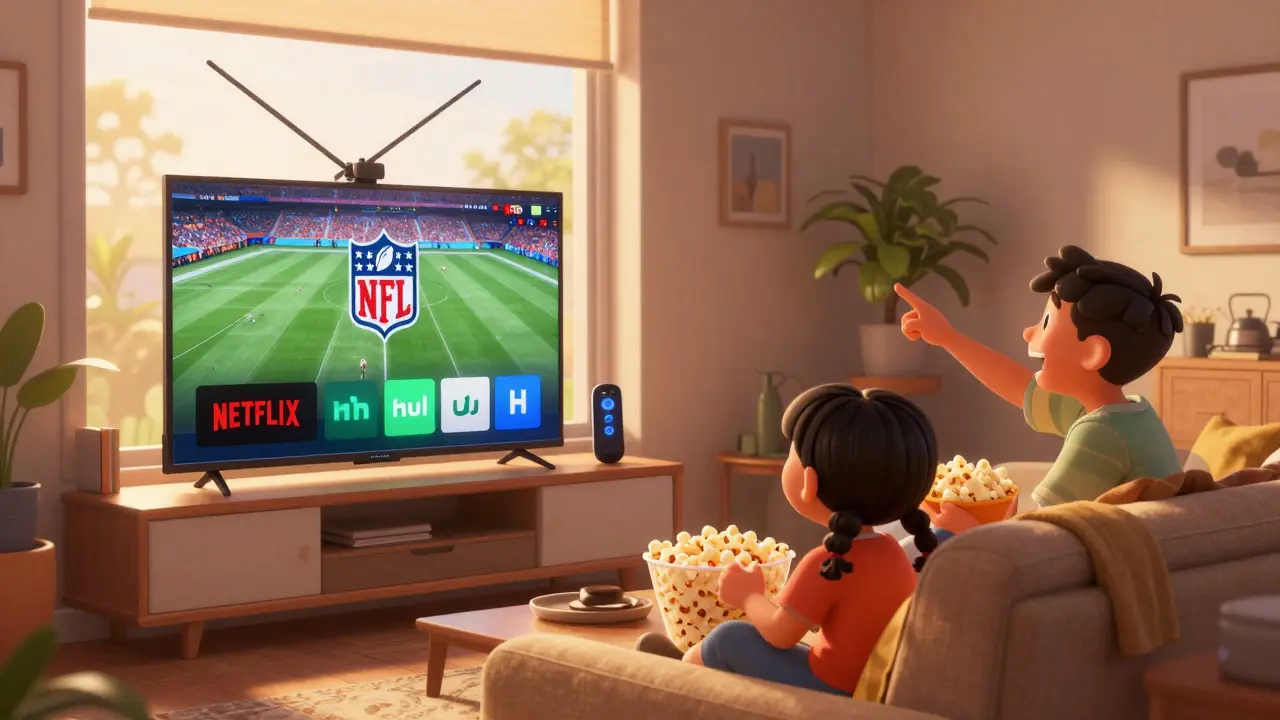
Most people think cord-cutting means ditching cable and switching to Netflix, Hulu, and Disney+. But if you’re only relying on streaming services, you’re missing out on something simple, free, and surprisingly powerful: over-the-air TV antennas. You don’t need a subscription to watch local news, live sports, or big network shows like 60 Minutes, NCIS, or The Voice. All you need is a $20 antenna and a TV with a digital tuner.
Why Your Streaming Setup Is Missing a Key Piece
Streaming services are great for binge-watching, but they’re terrible at live events. The Super Bowl? Only on CBS or NBC. The Oscars? Only on ABC. Local weather emergencies? You won’t get them until the next day on Hulu. Even major cable networks like Fox and ABC don’t stream their full live lineup on their apps unless you log in with a cable password. That’s where over-the-air antennas come in.With an antenna, you get the exact same broadcast signal that cable companies use - but without the middleman. No buffering. No data caps. No monthly fees. In 2025, over 90% of U.S. households can receive at least 10 free local channels with a basic indoor antenna. In cities like Chicago, Atlanta, or Los Angeles, it’s common to pull in 30+ channels, including subchannels like MeTV, Comet, and Court TV.
How Over-the-Air TV Works Today
The transition from analog to digital TV happened over a decade ago, but most people still think antennas are for grainy rabbit ears. That’s not true anymore. Modern digital broadcasts use the ATSC 3.0 standard (also called NextGen TV), which delivers 4K resolution, surround sound, and even interactive features like alternate camera angles during sports games - all for free.Here’s how it breaks down:
- Your TV picks up signals from broadcast towers (usually 20-60 miles away)
- The antenna converts radio waves into digital data
- Your TV decodes it and displays the channel
No internet required. No app to download. No login. Just plug the antenna into your TV’s coaxial port, run a channel scan, and you’re done. Even older TVs made after 2007 have built-in digital tuners. If yours doesn’t, a $15 digital converter box fixes it.
What You Can Actually Watch for Free
Don’t assume free means limited. Here’s what you’re likely to get with a good antenna:- Major networks: ABC, CBS, NBC, Fox, PBS, The CW
- Local news: Morning, noon, and evening broadcasts - often more detailed than national news
- Sports: NFL, MLB, NBA, and college games on local affiliates
- Weather alerts: Real-time storm warnings that streaming services can’t match
- Subchannels: MeTV (classic TV), Antenna TV, Grit (westerns), Ion Mystery, and more
In some areas, you’ll even get channels like PBS Kids, Create (cooking and travel), and the Smithsonian Channel - all free. And unlike streaming platforms that rotate content, these channels show the same shows year-round. If you love Matlock or Law & Order, you can watch them every day without paying a dime.
Antenna Types: Indoor vs. Outdoor - What Actually Works
Not all antennas are the same. The key is matching the antenna to your location and signal strength.Indoor antennas (like the Mohu Leaf or ClearStream FLEX) work great if you live within 25 miles of broadcast towers. They’re slim, easy to place on a windowsill or TV stand, and look like modern decor. They’re perfect for apartments and urban areas.
Outdoor antennas (like the Winegard Elite 7550 or Channel Master FlatWave) are better for rural areas or if you’re more than 40 miles from towers. They need to be mounted on a roof or attic, but they pull in signals from 70+ miles away. They’re also better at handling interference from buildings or trees.
There’s no need to spend $100+ on a “smart” antenna. Most expensive models just add Wi-Fi streaming - which defeats the purpose. Stick with a simple coaxial antenna. The only thing that matters is signal strength in your area.
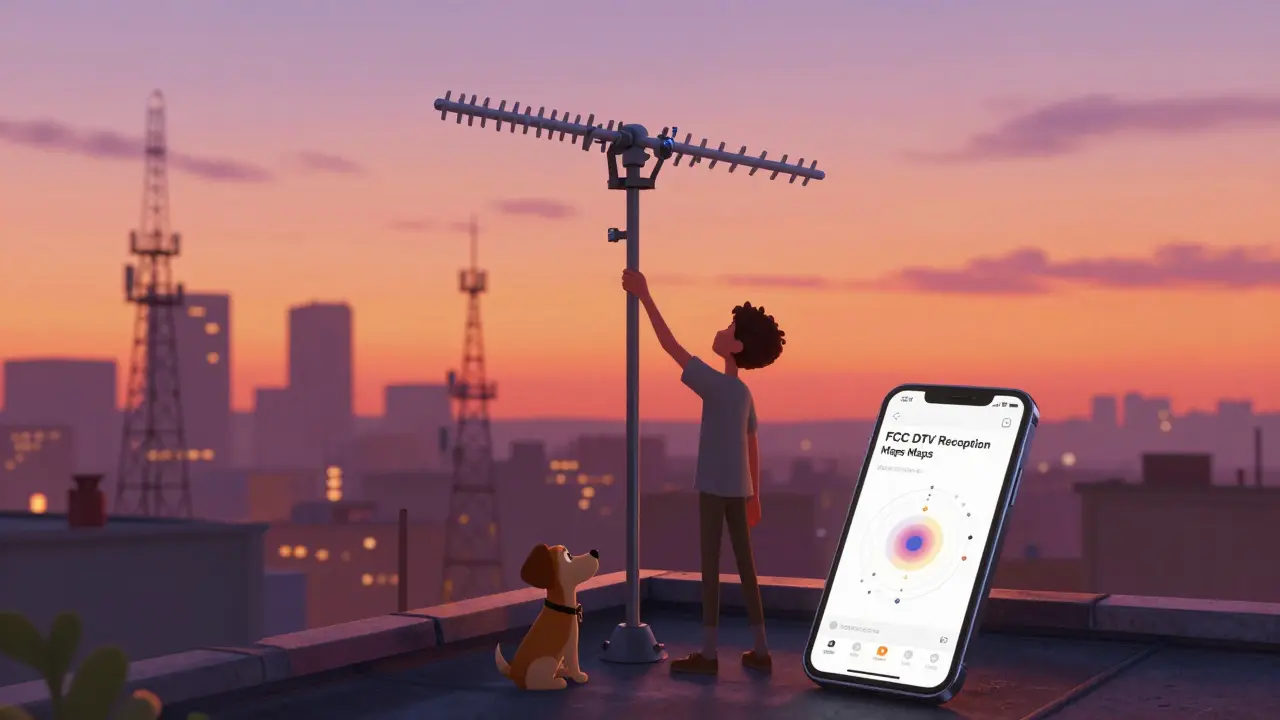
How to Check If an Antenna Will Work for You
Before buying anything, use the FCC’s DTV Reception Maps tool. Type in your address, and it shows:- Which broadcast towers are nearby
- How far away they are
- What channels you’ll get
- Recommended antenna type
For example, if you live in Austin, Texas, you might see 20+ towers within 30 miles. That means even a small indoor antenna will give you 25+ channels. But if you’re in rural Montana, you might need a tall outdoor antenna to catch the single tower 50 miles away.
Pro tip: If you’re unsure, buy a cheap antenna ($15-$25) from a store with a good return policy. Test it for a week. If it works, keep it. If not, return it. No risk.
How to Set It Up Without Getting Frustrated
Setup is simple, but most people mess it up by placing the antenna wrong.- Plug the antenna into your TV’s coaxial port (usually labeled “ANT IN”)
- Turn on your TV and go to the menu → Channel Setup → Auto Scan
- Wait 2-5 minutes while it finds channels
- If you get no signal, move the antenna near a window or higher up
- Try rotating it - even 10 degrees can make a big difference
- Run the scan again
Don’t use a signal amplifier unless you’re more than 50 miles from towers. Amplifiers just boost noise, not signal. And don’t bother with “HD antennas” - they’re just regular antennas with a fancy label.
How It Fits With Your Streaming Setup
This isn’t about replacing streaming. It’s about completing it.Think of your setup like a toolkit:
- Netflix and Hulu = binge-worthy originals and classics
- YouTube TV or Fubo = live cable replacement (but costs $70/month)
- Antenna = free live TV, local news, sports, and weather
With an antenna, you can cancel your $70/month live TV service and save $840 a year. You still get your favorite shows on Netflix. You still get the new season of Stranger Things. But now you also get the Super Bowl, the nightly news, and the local weather report - all without paying extra.
Many people combine their antenna with a Roku or Fire TV Stick. Plug the antenna into the TV, and use the streaming stick for everything else. You can even use apps like Antenna TV or Plex to record and watch shows later.
Common Myths About Antennas - Debunked
- Myth: Antennas are outdated. Truth: They’re the only way to get free 4K broadcasts in real time.
- Myth: You need an expensive antenna. Truth: A $20 model works fine in most areas.
- Myth: Antennas don’t work in apartments. Truth: Indoor antennas work great in high-rises - especially near windows.
- Myth: You’ll only get 3-4 channels. Truth: Most people get 15-40, including subchannels.
The biggest myth? That you need to choose between streaming and live TV. You don’t. You can have both - and save money doing it.
Real Savings: What This Actually Costs
Let’s say you’re paying $70/month for a live TV streaming service like YouTube TV or Fubo. That’s $840 a year. Now add your Netflix ($15), Hulu ($17), and Disney+ ($14). That’s $1,000+ a year just to watch TV.With an antenna:
- One-time cost: $25 (antenna)
- Monthly cost: $0
- Annual savings: $840+
And you’re not just saving money - you’re getting better local content. You’ll know when the school is closed due to snow. You’ll hear about community events before they hit social media. You’ll see real-time weather updates during a storm. That’s value no algorithm can replicate.
Final Thought: The Antenna Is the Last Piece
Cord-cutting isn’t about giving up TV. It’s about taking control. Streaming services are great - but they’re designed to keep you subscribed. Antennas don’t care if you watch 10 hours a day or 10 minutes. They just deliver the signal. No upsells. No ads (beyond the ones broadcast by the network). No hidden fees.If you’re serious about cutting costs without giving up live TV, the antenna isn’t a backup. It’s the smartest, simplest, and most powerful tool you haven’t tried yet.
Do I need an antenna if I have streaming services?
Yes - if you want to watch live local news, sports, or network shows without paying extra. Streaming services don’t carry all local channels, and they often delay live events. An antenna gives you real-time access to ABC, CBS, NBC, and Fox for free.
Can I use an antenna with a smart TV?
Absolutely. All smart TVs made since 2007 have a built-in digital tuner. Just plug the antenna into the coaxial port, go to the TV’s channel settings, and run a scan. No extra box needed.
Will an antenna work in my apartment?
Yes, especially if you’re near a window. Indoor antennas like the Mohu Leaf or Antennas Direct ClearStream Flex work well in apartments. Place it high up and near a window for best results. If you’re in a concrete building, try moving it to a higher floor.
How many channels can I expect to get?
It depends on your location. In cities, you can get 20-40 channels, including subchannels like MeTV, Comet, and PBS Kids. In rural areas, you might get 5-15. Use the FCC’s DTV Reception Maps tool to check your exact coverage.
Do I need to pay for an antenna subscription?
No. Over-the-air TV is completely free. You pay once for the antenna, then you get all channels for life. There are no monthly fees, no contracts, and no hidden costs.