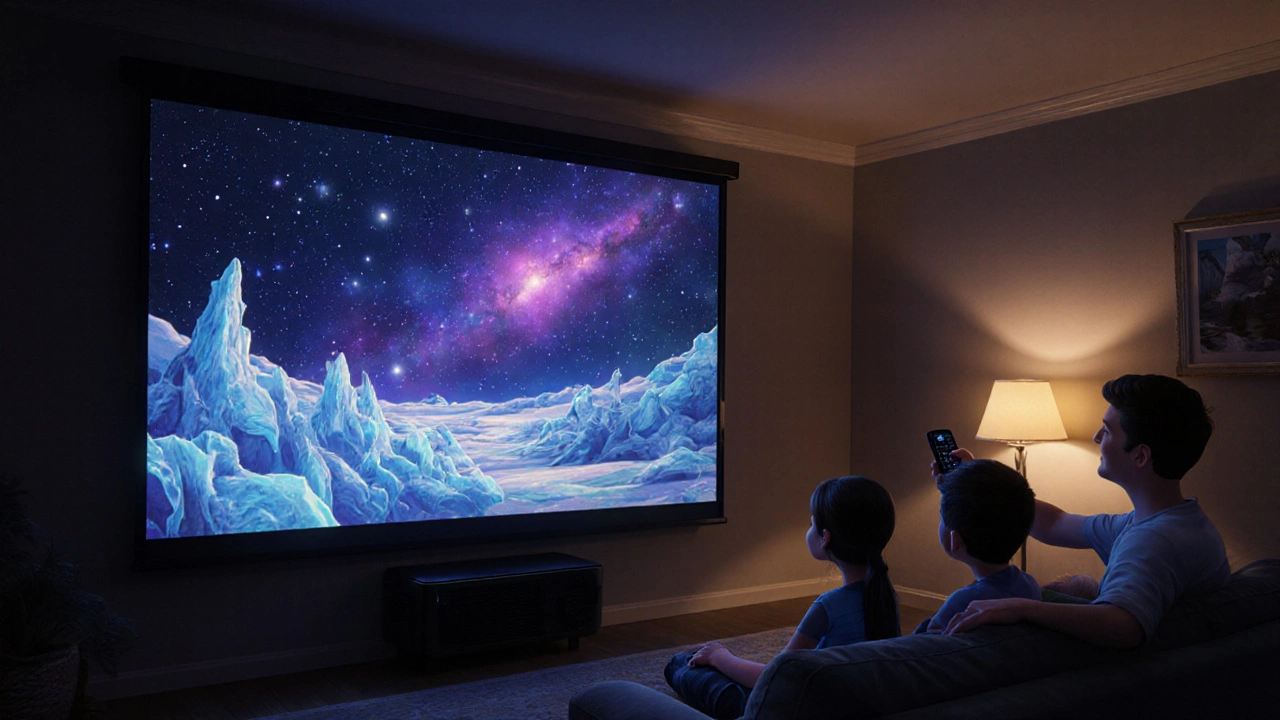
HDR Projector Settings: How to Get the Best Picture Quality for Indie Films
When you're watching an indie film on a projector, HDR projector settings, the configuration that determines how highlights, shadows, and colors appear on screen. Also known as High Dynamic Range display tuning, it's not just about turning up the brightness—it's about making every shadow feel deep and every highlight pop without washing out the details. Most people think HDR is a feature built into the projector, but it’s not. It’s a conversation between the film’s data, your projector’s hardware, and how you’ve set it up. Get it wrong, and a moody indie drama looks flat. Get it right, and you feel like you’re sitting in the director’s chair.
What makes HDR projector settings tricky is that they depend on three things: projector brightness, how much light the projector can output, measured in lumens, contrast ratio, the difference between the darkest black and brightest white the projector can show, and color accuracy, how closely the projector reproduces the filmmaker’s intended palette. A 4K projector with 3,000 lumens might look brilliant in a bright room, but in a dark theater like the ones at Scruffy City Film Fest, it’ll crush the blacks and make skin tones look unnatural. The sweet spot? Around 1,500 to 2,200 lumens for a controlled environment. Too dim, and you lose detail in dark scenes—like the quiet moments in The Killer or the foggy streets in Blade Runner. Too bright, and you turn a haunting shot into a washed-out poster.
Most projectors come with factory presets that prioritize sales over storytelling. You need to tweak them. Start by turning off any "vivid" or "dynamic" modes—they boost color and contrast artificially. Switch to "cinema" or "filmmaker" mode if available. Then, adjust the gamma setting to 2.2 or 2.4; that’s what most indie films are mastered for. If your projector lets you tweak HDR tone mapping, choose "per-pixel" or "scene-by-scene" over "fixed." It makes a real difference in how shadows hold up during a tense scene in an animated documentary or a slow-burn thriller. And don’t ignore the room. Even the best settings can’t fix a projector facing a white wall or a window letting in sunlight. Blackout curtains, dark paint, and a dedicated screen aren’t luxuries—they’re part of the setup.
At Scruffy City Film Fest, we’ve seen filmmakers squint at their own work because the projection didn’t match their vision. That’s why knowing your HDR settings isn’t just for tech heads—it’s for anyone who cares about how a story looks when it’s finally on screen. Whether you’re setting up a home theater, prepping for a community screening, or just want to get the most out of your next indie film binge, these settings turn a good viewing into a powerful one. Below, you’ll find real-world guides on how to fix overheating issues that kill your stream, how to calibrate your gear, and what to look for when watching films that were made to be seen in the dark—not on a phone.
Fix dim HDR on your 4K projector with these simple settings. Learn how to boost brightness, choose the right mode, and avoid common mistakes that ruin streaming quality.
View More