Parental Controls: How to Manage What Your Family Watches Online
When you turn on parental controls, a set of tools built into devices and streaming services to restrict access to age-inappropriate content. Also known as content filters, they let you block movies, shows, or apps based on ratings, keywords, or time limits—without needing to sit beside your kid the whole time. These aren’t just for toddlers. Teens scroll through horror films, young kids stumble onto violent game streams, and even adults forget what’s on the shared account. The real problem isn’t bad content—it’s the lack of control over who sees what, when.
Streaming services, platforms like Netflix, Hulu, and Disney+ that deliver video content over the internet. Also known as on-demand video platforms, they’ve made it easy to watch anything, anytime—but they don’t automatically protect kids from mature themes. That’s where parental controls come in. You can lock specific titles, set PINs for mature content, or even limit daily viewing time. But most people only use the basics: age ratings. That’s not enough. A PG-13 movie might have intense violence or language. A "kids" show on Tubi could have creepy ads or hidden horror clips. You need to dig deeper than the label.
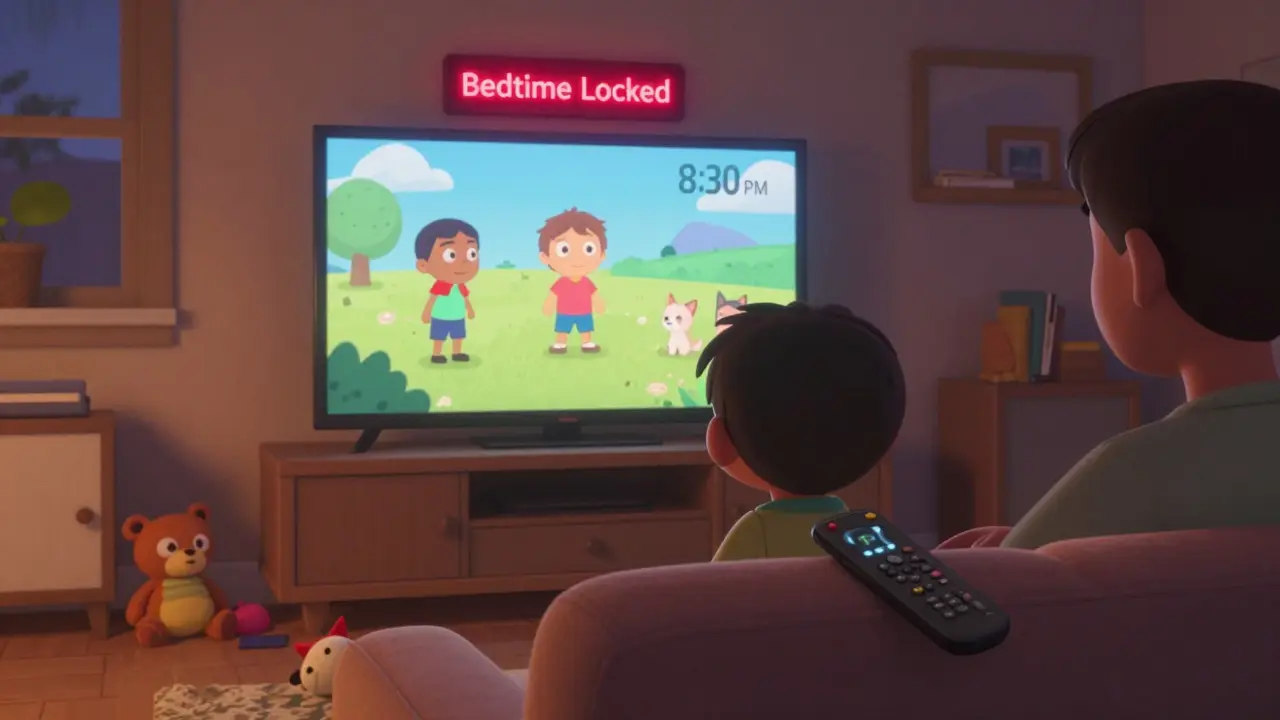
And it’s not just about blocking. Screen time management, the practice of setting limits on how long devices are used each day. Also known as digital curfews, it’s just as important as content filtering. A 14-year-old can binge-watch horror films for hours if there’s no timer. A 7-year-old might keep clicking through YouTube shorts until 2 a.m. Parental controls that track usage—like those on Roku, Apple TV, or Google Family Link—help you see patterns, not just block single videos. You don’t need to be a tech expert. Most systems let you set rules in under five minutes.
What you’ll find here are real fixes, not generic advice. We’ve pulled together guides from people who’ve actually used these tools—how to keep your kid from sneaking into the Disney+ profile with the R-rated movies, how to shut off autoplay on free ad-supported services like Tubi, and how to stop your smart TV from recommending horror films after one accidental click. You’ll learn how to protect your family without turning your home into a digital prison. No fluff. No jargon. Just what works.
Create a family media agreement to set clear, fair rules for streaming and device use. Learn how to involve kids in making screen time limits, content rules, and consequences that actually work.
View More
Learn how to set bedtime schedules and daily watch limits on Google TV Kids Profiles to control screen time, filter content, and build healthy habits for children without constant supervision.
View More
Learn how to choose age-appropriate TV shows for kids and teens, what to avoid, and how to use parental controls effectively without micromanaging screen time.
View More
Kids Mode on streaming devices blocks purchases, restricts apps, and keeps children safe from inappropriate content. Learn how to set it up on Fire, Roku, Apple TV, and Chromecast-and avoid common mistakes that leave your wallet vulnerable.
View More